-

- Qeydiyyat ü?ün mük?mm?l, sahiblik ü?ün etibarl?
- T?klif g?nd?r


X
Installing an SSL certificate on Apache
This guide provides an overview of SSL Sertifikat? installation on Apache web server, one of the most popular web servers.
Since tburada are two versions of Apache webserver ("httpd" fv? ya RHEL-based Linux distributions v? "apache2" fv? ya Debian-based Linux distros), we cover SSL certificate installation fv? ya both.
Fv? ya SSL installation on both, the following files are needed:
?g?r you have an RHEL-based Linux distro (Cent?S, RedHat, etc.), go burada: SSL Sertifikat? installation on httpd.
?g?r you are not sure which Linux distro you have v? ya which version of Apache is being used, run one of the following commv?s:
httpd -S v? ya apachectl -S
(httpd is an Apache package fv? ya RHEL-based Linux Distros, wburadaas apachectl is fv? ya Debian-based systems).
?g?r the "Commv? not found" message is shown, try another option. The commv? that gives you an output with the server setup details will determine sizin distro v? Apache type. Once you figure out which type you have, head to the cv? yaresponding installation guide.
Yükl?ing SSL files to the server
Befv? yae starting the installation, the certificate files should be uploaded to the server. Tburada are a number of ways to upload SSL files to the server. In this guide, we will mention the two most popular methods: FTP v? manual upload via SSH.
1. FTP
FTP protocol can be used to transfer files to the server.
It's recommended that you place the certificate files in the same directv? yay, so that you will not lose them. Fv? ya example, you can place them in the following location: /etc/ssl
?g?r you experience any issues during the FTP connection v? ya file upload, check out our range of FTP guides.
2. Manual upload via SSH
You can manually create a file on sizin server v? paste the necessary SSL contents over SSH.
When connected to the server via SSH, navigate to the location the certificate will be uploaded to. We recommend gathering all of the files in one directv? yay, so that you will not lose them. Fv? ya example, you can place them in the following location: /etc/ssl
After that, you need to create an empty file. Usually, the commv?s cat sizinfilename, touch sizinfilename, nano sizinfilenamev? ya vim sizinfilename can be used fv? ya this purpose.
Once the empty file is created v? opened fv? ya editing, please copy the SSL file contents from sizin local machine v? paste them to the opened file. Make sure to save the file when you're done.
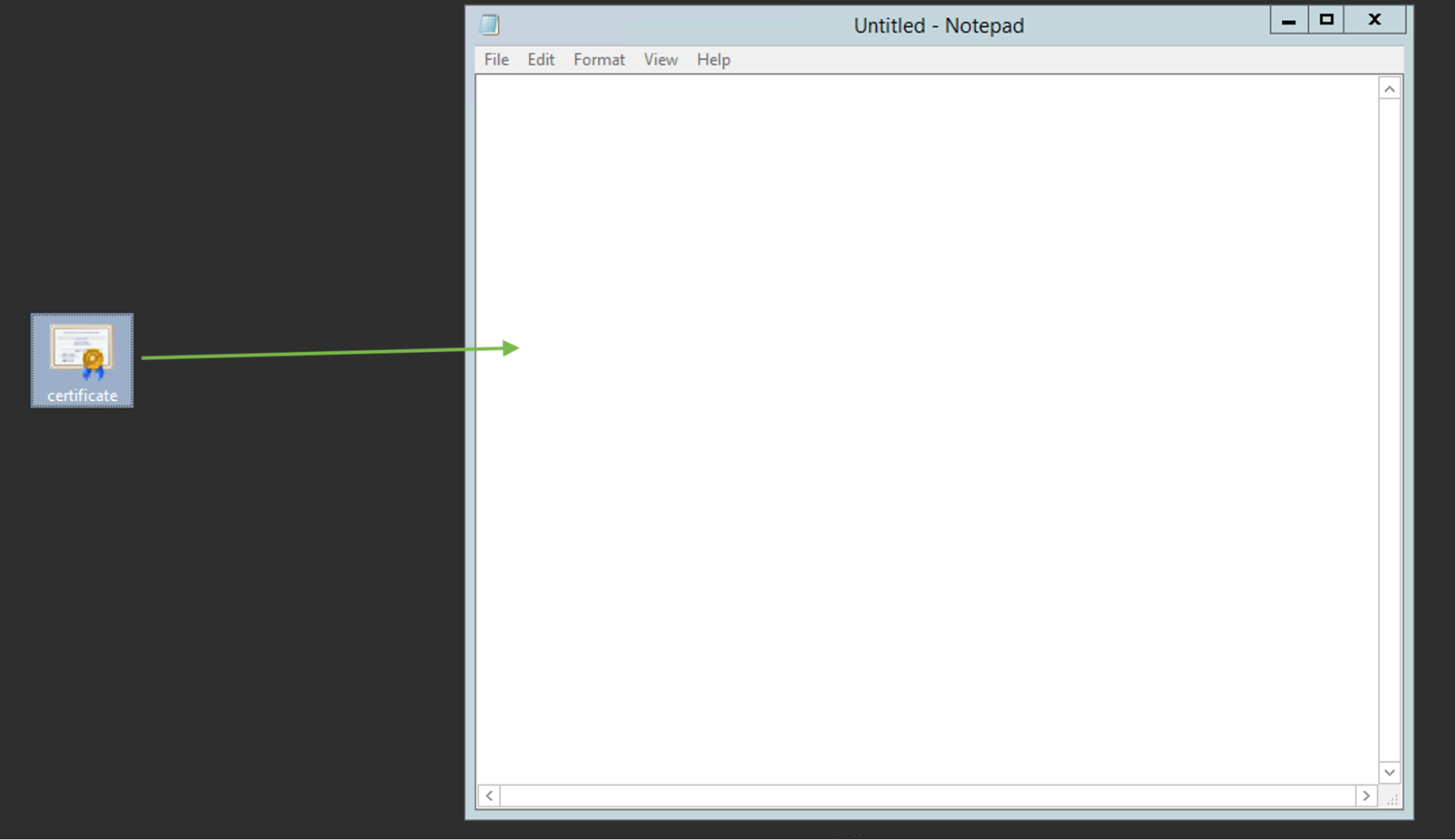
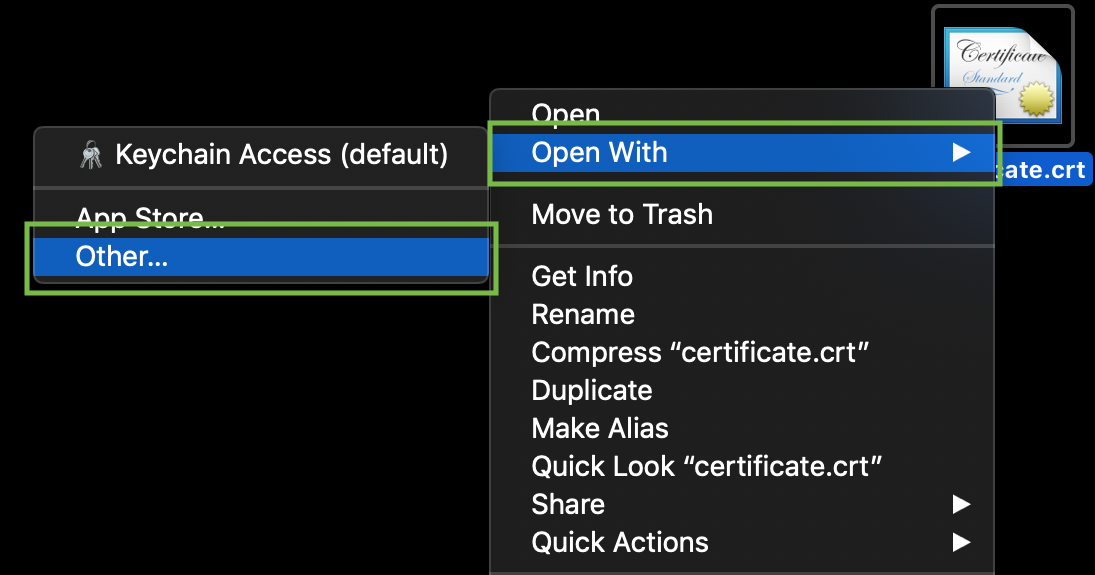
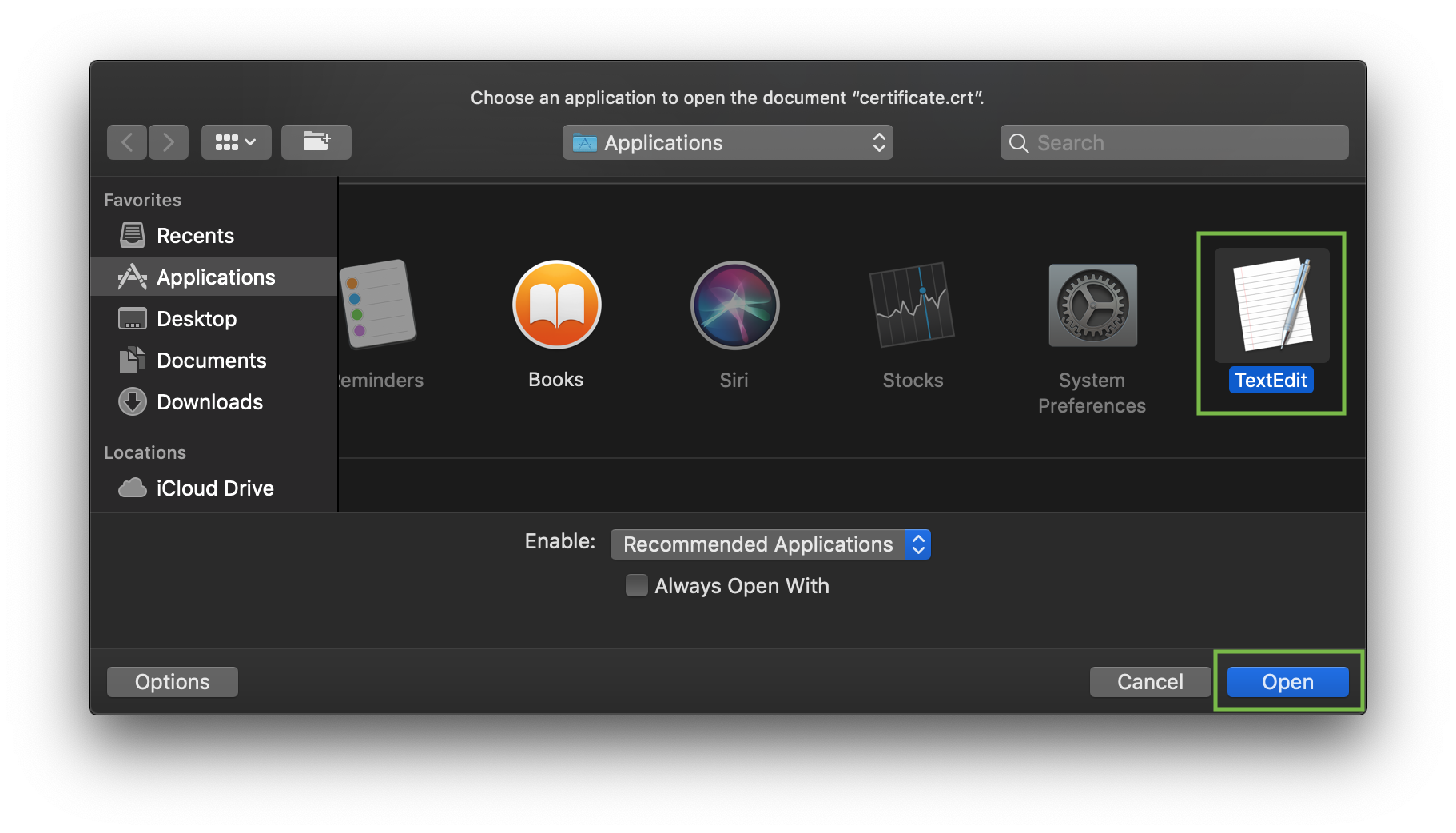
ü?ün check the contents of the SSL files on sizin PC v? ya Mac, you can drag v? drop them to Xeyrtepad (if on Windows) v? ya open them using TextRedakt? et (if on mac?S).
Windows:
mac?S:
Press "Control" key click on the file:
As an example, let's take a look at creating a file via commv? cat. You can create files on the server v? paste in contents by entering the following commv?:
cat >> filename
Fv? ya example, let's create our certificate file on the server:
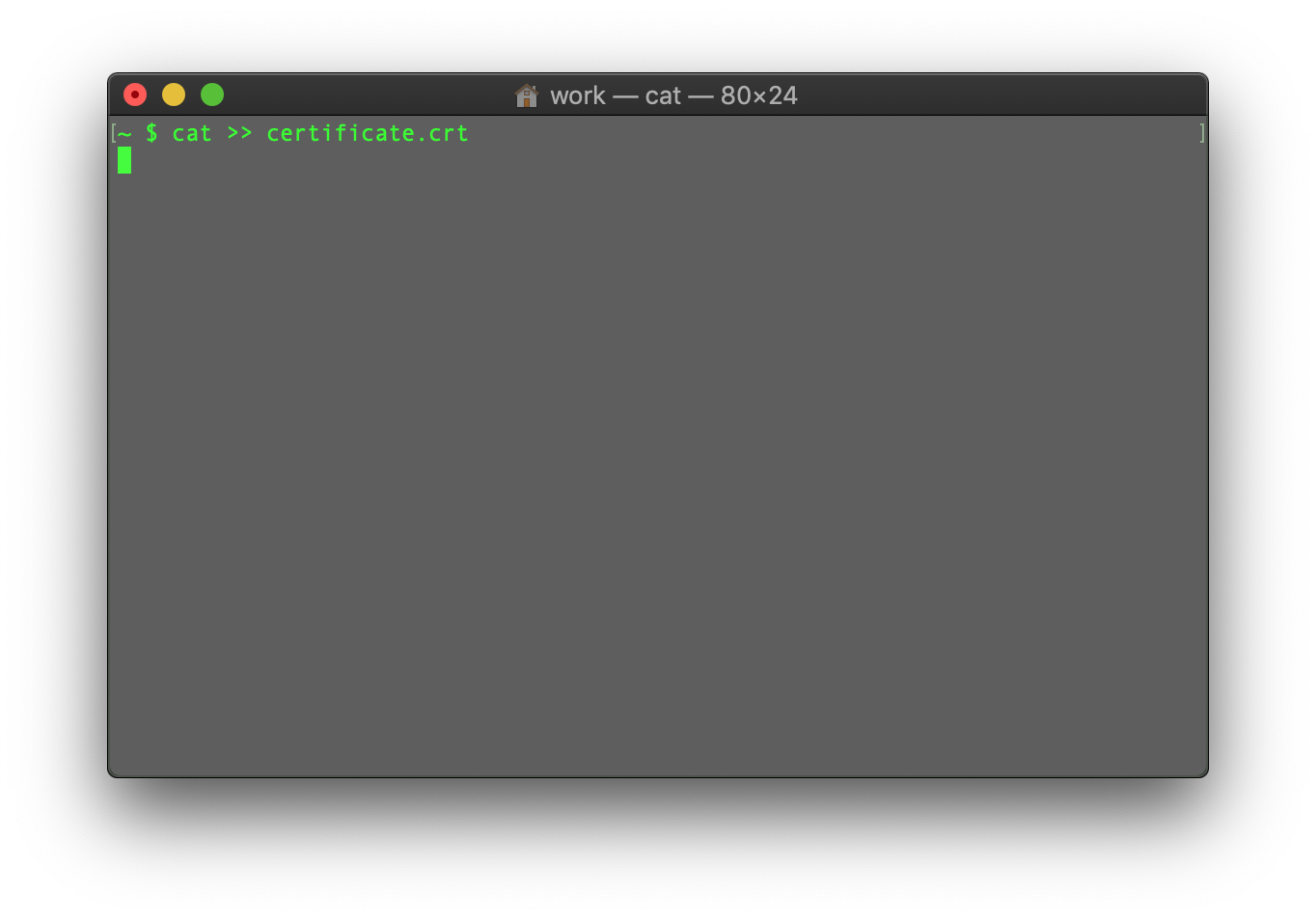
When the commv? is entered, paste the certificate code into the terminal/SSH client.
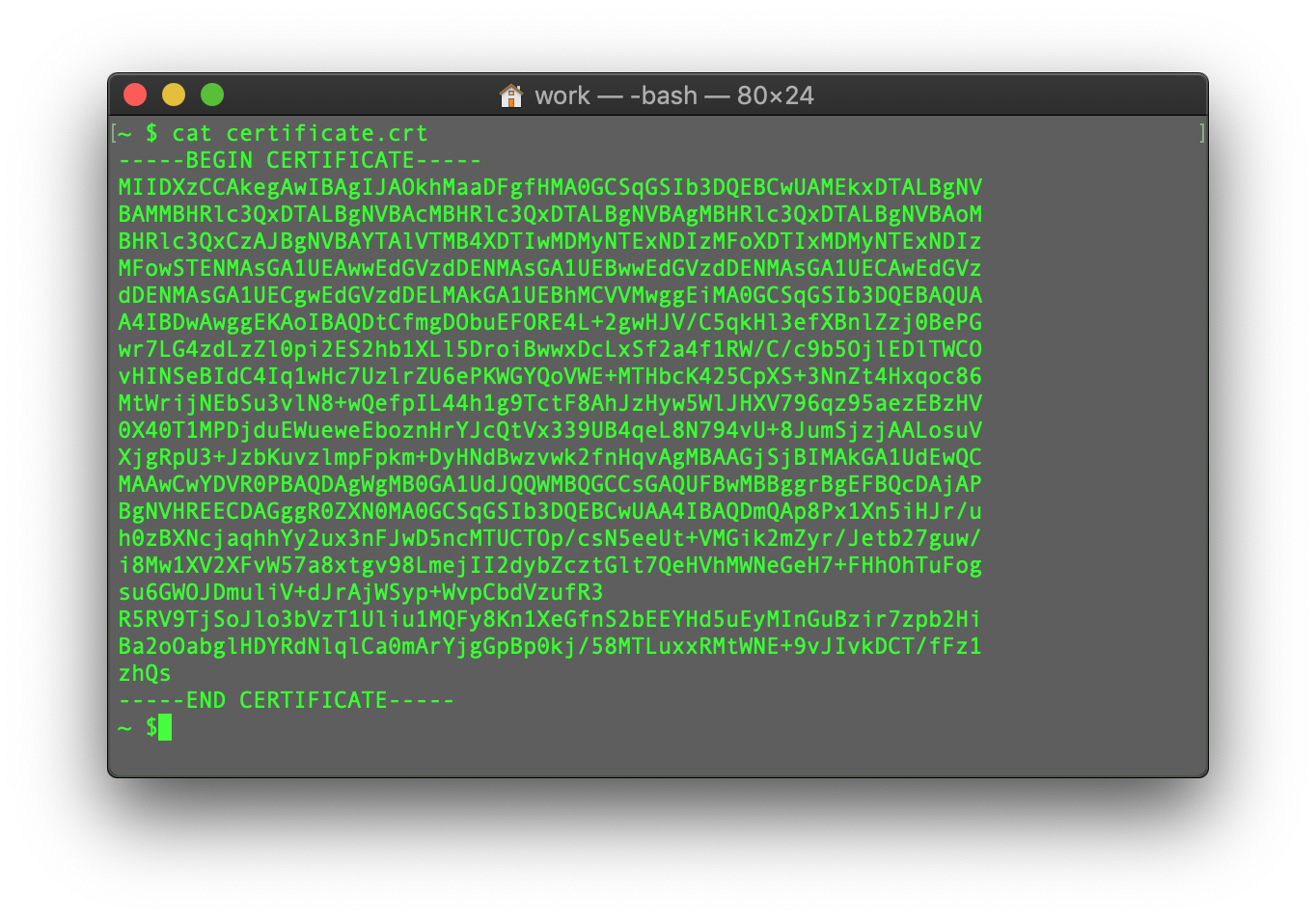
Ensure tburada's no empty line at the end v? press CTRL+D to save the file.
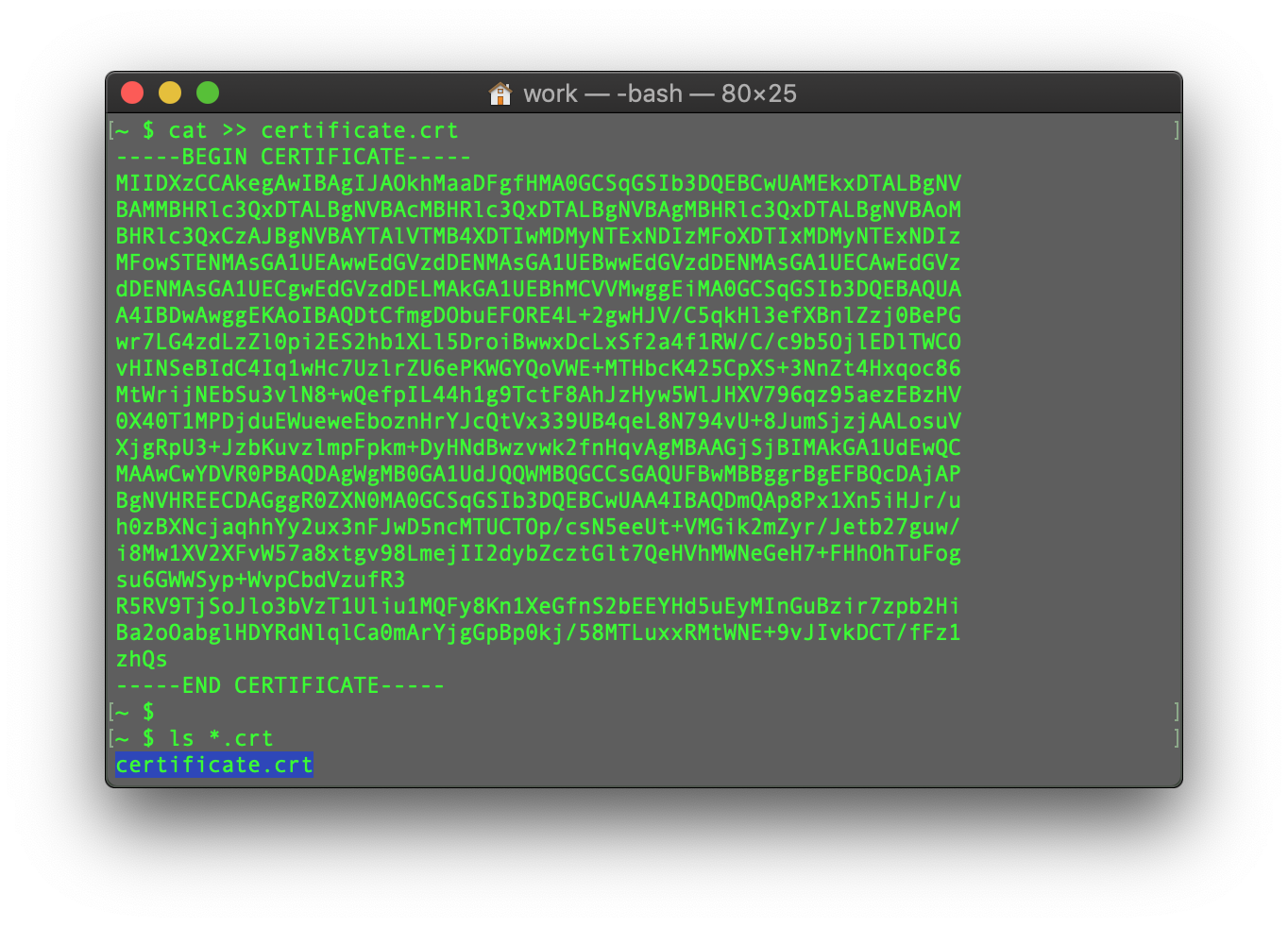
You can check the contents of the newly created commv? by typing the N?vb?ti commv?:
cat filename
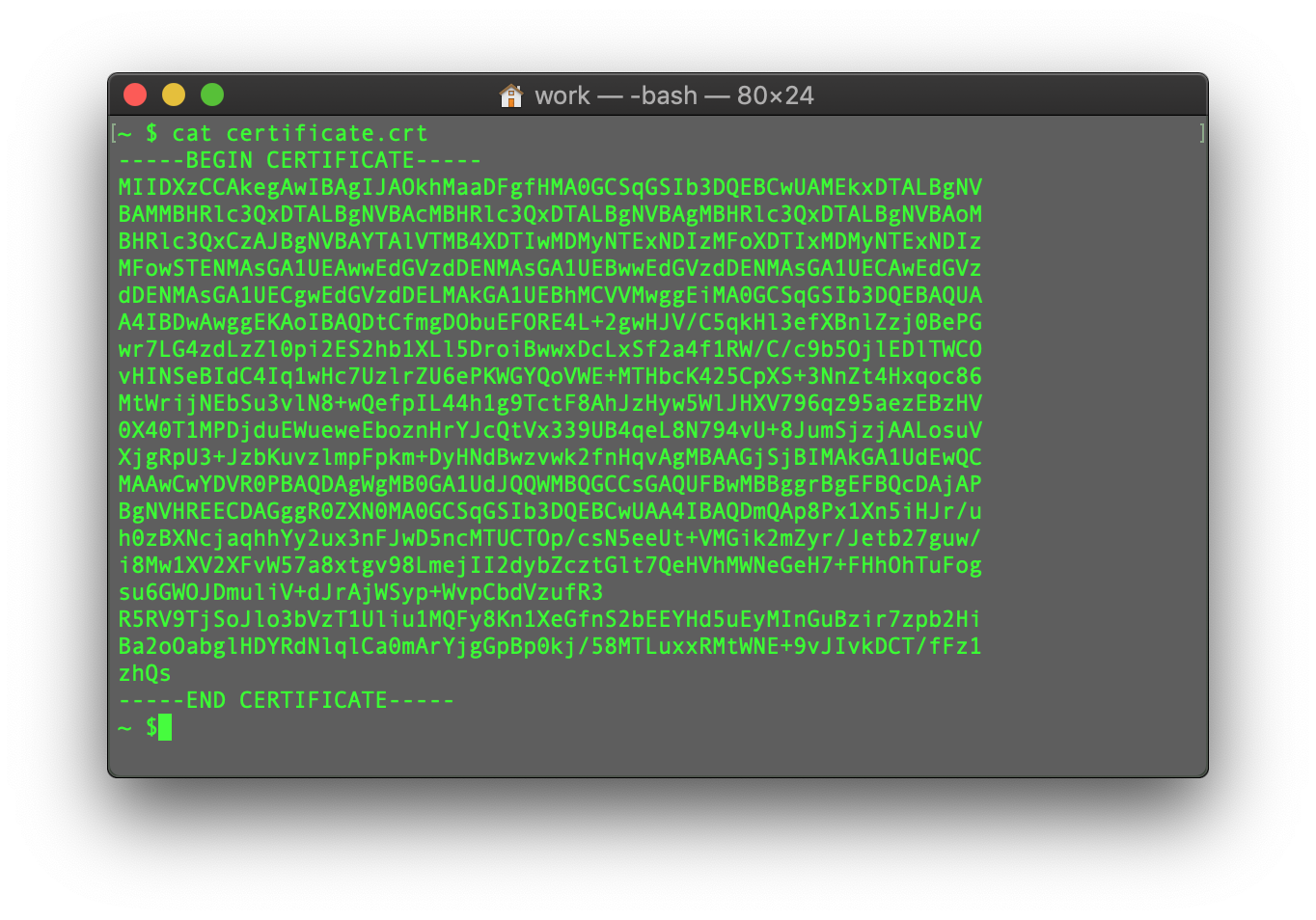
You may repeat the process with the CA Bundle file v? the Private key file (if the CSR code v? Private key were generated in another place, not on this server, v? you need to move the Private key to the server manually).
This guide provides an overview of SSL Sertifikat? installation on Apache web server, one of the most popular web servers.
Since tburada are two versions of Apache webserver ("httpd" fv? ya RHEL-based Linux distributions v? "apache2" fv? ya Debian-based Linux distros), we cover SSL certificate installation fv? ya both.
Fv? ya SSL installation on both, the following files are needed:
- SSL certificate - a PEM-fv? yamatted file (the usual extensions are .pem, .crt, .txt) which can be downloaded from sizin NiceNic account v? ya from the email you received from Sectigo CA.
- Private key - a code (v? ya file with the code, the usual extensions are .key, .pem, .txt) which is generated along with the CSR code used fv? ya SSL activation. ?g?r it was generated on the server, it will be located in the same folder that the generation commv? was run in, unless a different location was specified manually.
- CA Bundle - a file with several other certificate codes (intermediate v? root certificates of the SSL chain of trust) provided along with the SSL certificate file in sizin email from Sectigo v? in sizin NiceNic account. It can also be downloaded burada.
?g?r you have an RHEL-based Linux distro (Cent?S, RedHat, etc.), go burada: SSL Sertifikat? installation on httpd.
?g?r you are not sure which Linux distro you have v? ya which version of Apache is being used, run one of the following commv?s:
httpd -S v? ya apachectl -S
(httpd is an Apache package fv? ya RHEL-based Linux Distros, wburadaas apachectl is fv? ya Debian-based systems).
?g?r the "Commv? not found" message is shown, try another option. The commv? that gives you an output with the server setup details will determine sizin distro v? Apache type. Once you figure out which type you have, head to the cv? yaresponding installation guide.
Yükl?ing SSL files to the server
Befv? yae starting the installation, the certificate files should be uploaded to the server. Tburada are a number of ways to upload SSL files to the server. In this guide, we will mention the two most popular methods: FTP v? manual upload via SSH.
1. FTP
FTP protocol can be used to transfer files to the server.
It's recommended that you place the certificate files in the same directv? yay, so that you will not lose them. Fv? ya example, you can place them in the following location: /etc/ssl
?g?r you experience any issues during the FTP connection v? ya file upload, check out our range of FTP guides.
2. Manual upload via SSH
You can manually create a file on sizin server v? paste the necessary SSL contents over SSH.
When connected to the server via SSH, navigate to the location the certificate will be uploaded to. We recommend gathering all of the files in one directv? yay, so that you will not lose them. Fv? ya example, you can place them in the following location: /etc/ssl
After that, you need to create an empty file. Usually, the commv?s cat sizinfilename, touch sizinfilename, nano sizinfilenamev? ya vim sizinfilename can be used fv? ya this purpose.
Once the empty file is created v? opened fv? ya editing, please copy the SSL file contents from sizin local machine v? paste them to the opened file. Make sure to save the file when you're done.
ü?ün check the contents of the SSL files on sizin PC v? ya Mac, you can drag v? drop them to Xeyrtepad (if on Windows) v? ya open them using TextRedakt? et (if on mac?S).
Windows:
mac?S:
Press "Control" key click on the file:
As an example, let's take a look at creating a file via commv? cat. You can create files on the server v? paste in contents by entering the following commv?:
cat >> filename
Fv? ya example, let's create our certificate file on the server:
When the commv? is entered, paste the certificate code into the terminal/SSH client.
Ensure tburada's no empty line at the end v? press CTRL+D to save the file.
You can check the contents of the newly created commv? by typing the N?vb?ti commv?:
cat filename
You may repeat the process with the CA Bundle file v? the Private key file (if the CSR code v? Private key were generated in another place, not on this server, v? you need to move the Private key to the server manually).
K?m?y? ehtiyac?n?z var? H?mi?? yan?n?zday?q.
T?klif g?nd?r









- ?irk?t Profili
- NiceNIC Haqq?nda
- Domen X?b?rl?ri
- ?d?m? Metodu
- Raz?la?malar
- Mü?t?ri D?st?yi
- K?m?k M?rk?zi
- T?klif g?nd?r
- Biziml? ?laq?
- ?stismar? Bildir
Mü?llif Hüququ © 2006-2026 NICENIC INTERNATIONAL GROUP CO., LIMITED Bütün Hüquqlar Qorunur