



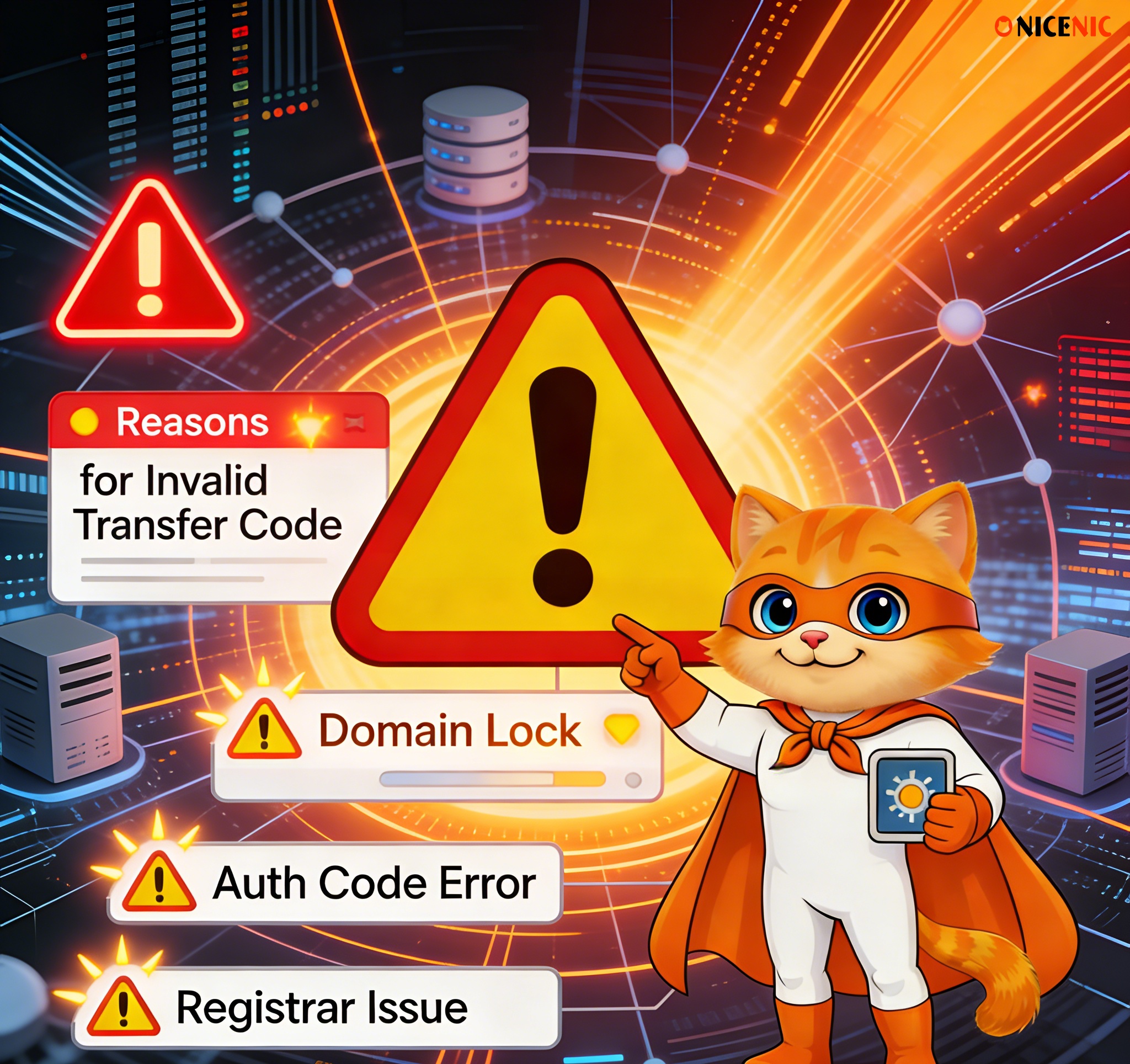
Domain transfers are a routine process for many domain owners, but sometimes they fail. Whether you’re switching to a new registrar for better service, or transferring your domain as part of a business move, understanding common reasons for domain transfer failures can help you avoid delays and frustration.
In this guide, we’ll cover 10 common reasons for domain transfer failures, explain what went wrong, and show you how to avoid these issues in the future.
1. Incorrect Authorization Code (EPP Code)
Description:
The authorization code (EPP code) is a key component of the domain transfer process. It acts as a password that allows the new registrar to verify your request.
Common Problem:
"I entered the code, but the transfer failed."
"I copied the code but it doesn’t work."
What Went Wrong:
Expired or incorrect authorization code is the most common reason for a transfer failure.
Solution:
-
Double-check that the code is current and free of any extra spaces or case errors.
-
Request a new code if the existing one is not working.This is especially true for expired EPP codes.
Description:
Most registrars lock domains to prevent unauthorized transfers.This kind of domain status called clientTransferProhibited.
If your domain is locked, it cannot be transferred until the lock is removed.
Common Problem:
"I’ve confirmed everything, but the transfer keeps getting rejected."
What Went Wrong:
The Registrar Lock was not removed before initiating the transfer.
Solution:
Log into your current registrar’s account and unlock your domain before initiating the transfer.
3. Domain Registered or Recently Transferred Within 60 Days
Description:
According to ICANN regulations, domains cannot be transferred within 60 days of registration or a previous transfer.
Common Problem:
"I just registered or transferred this domain; why can’t I transfer it again?"
What Went Wrong:
ICANN’s 60-day lock prevents transfers within this period to protect domain owners from fraud.
Solution:
You must wait until the 60-day period has passed before transferring the domain.
4. Invalid or Unavailable WHOIS / Admin Contact Email
Description:
During the transfer process, a confirmation email is sent to the WHOIS contact email for approval.
Common Problem:
"I didn’t receive the confirmation email."
What Went Wrong:
The WHOIS contact email is outdated or inaccessible.
Solution:
Ensure that the WHOIS email is correct and check your inbox (and spam folder). If the email is incorrect, update it in your current registrar’s settings.
Description:
If your domain has expired or is in the redemption period, it cannot be transferred until it’s renewed and the status is cleared.
Common Problem:
"I thought I could transfer it and renew later, but the transfer failed."
What Went Wrong:
Expired domain or a domain in redemption (after expiration) cannot be transferred.
Solution:
Renew your domain and clear the redemption status first, then initiate the transfer.
6. WHOIS Privacy Protection Blocking Transfer
Description:
Some domains have WHOIS privacy protection, which hides the registrant's contact information. This can block the transfer request.
Common Problem:
"I have privacy protection on, and the transfer failed."
What Went Wrong:
WHOIS privacy is preventing the transfer confirmation email from being sent.
Solution:
Disable WHOIS privacy protection temporarily and ensure your contact information is visible for the transfer process.
Description:
In some cases, your current registrar may block the transfer due to legal disputes or fraud prevention.
Common Problem:
"Why did my registrar deny the transfer?"
What Went Wrong:
The registrar may have blocked the transfer due to an ongoing issue or legal dispute regarding the domain.
Solution:
Contact your current registrar to resolve the issue or provide additional documentation if needed.
8. Recent Changes to Domain Information (Registrant Info Change)
Description:
If the registrant’s information was changed recently, ICANN may place a 60-day transfer lock on the domain.
Common Problem:
"I updated my contact info, but now I can’t transfer my domain.”
What Went Wrong:
A recent change in registrant information triggered the 60-day lock.
Solution:
Wait for the 60-day period to pass before attempting the transfer again.
Description:
Your registrar may block the transfer if there are unpaid bills, failed renewals, or issues with your payment method.
Common Problem:
"I thought I paid, but the transfer failed."
What Went Wrong:
Billing issues may prevent the transfer from being processed.
Solution:
Log into your registrar account, check your payment status, and ensure all fees are up to date.
Description:
After initiating a transfer, you will receive an email to confirm the transfer. If this is not confirmed within the given time frame, the transfer will fail.
Common Problem:
"I didn’t see the email in time, and the transfer failed."
What Went Wrong:
You did not confirm the transfer within the specified time.
Solution:
If you missed the confirmation email, you can usually request a new one or restart the transfer process.
7. Contact your registrar if the transfer is blocked by legal issues.
Conclusion
Understanding the common reasons for domain transfer failures will help you avoid mistakes and ensure your transfer is successful. By following the best practices outlined in this guide, you can confidently manage your domain transfer process without unnecessary delays.
A Trusted Partner for Your Domain Management
As an ICANN-accredited registrar, Nicenic follows the highest standards to ensure secure, reliable, and compliant domain management. Whether you're transferring your domain, renewing it, or making updates, we provide clear guidance and support to make your experience seamless.
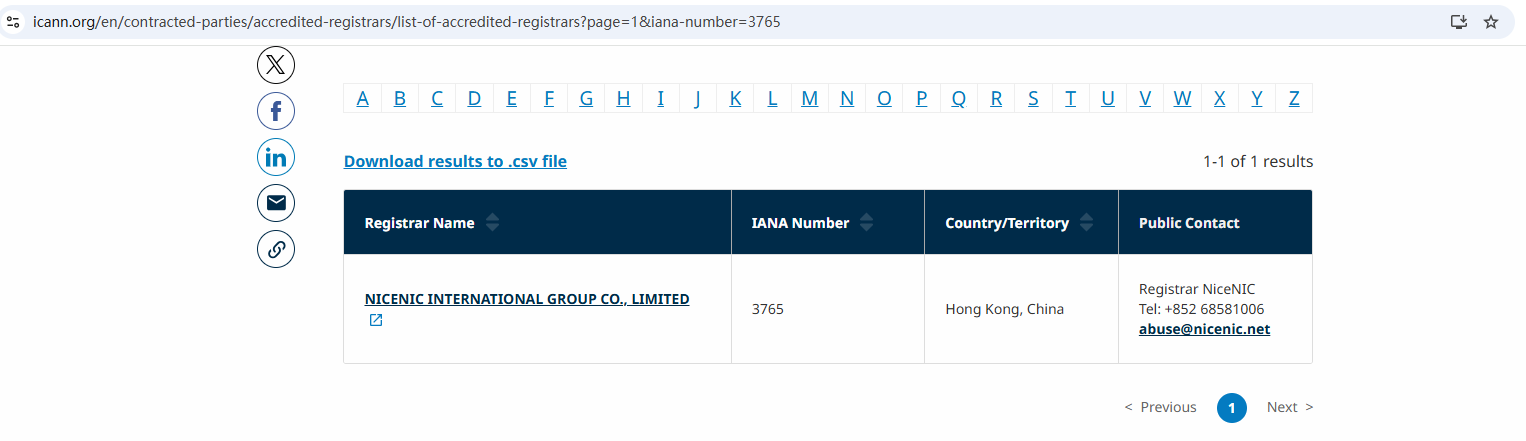
Nicenic stands as that trusted partner for brands, developers, entrepreneurs, and businesses worldwide.
Next News: Our Domain Transition Journey: How NiceNIC Content Moves to www.unionroom.cn








