



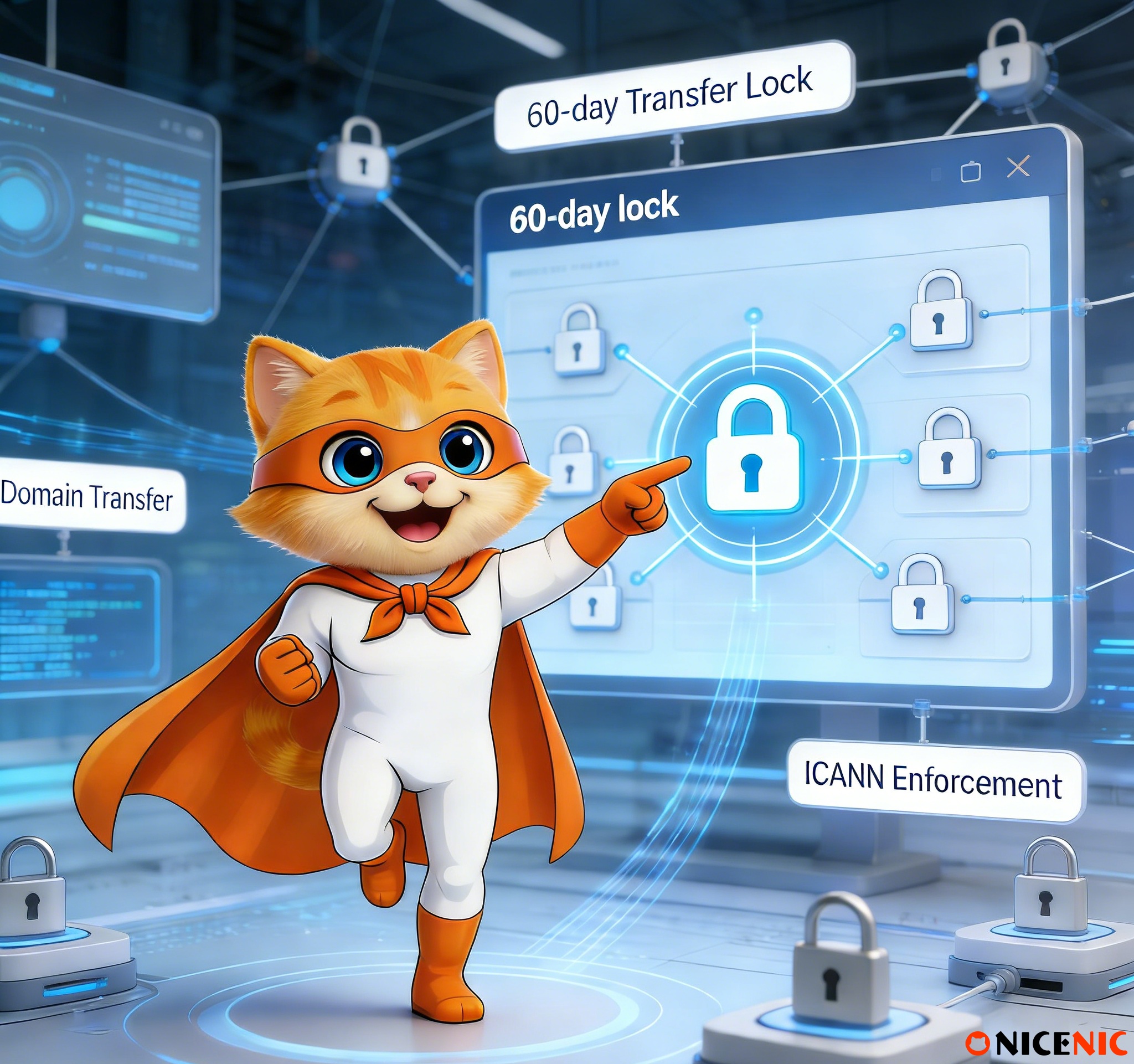
If you’ve ever tried to transfer your domain and been told that it is locked for 60 days, you may have wondered why this happens. The 60-day transfer lock is a common policy enforced by ICANN (Internet Corporation for Assigned Names and Numbers) that often causes confusion among domain owners. While it may seem like an inconvenience, this policy is an important part of protecting domain owners and preventing fraudulent transfers.
In this article, we’ll explain how the 60-day transfer lock works, why ICANN enforces it, and how you can handle it effectively to avoid delays in your domain transfer process.
What Is the 60-Day Transfer Lock?
Definition:
The 60-day transfer lock is a security measure set by ICANN that prevents a domain from being transferred to another registrar within 60 days of:
-
Domain registration
-
Domain transfer
-
Change of registrant information (such as changing the domain owner’s details).
This lock is applied automatically and prevents unauthorized transfers. It’s designed to protect against fraud and unauthorized domain hijacking.
Why Does ICANN Enforce the 60-Day Transfer Lock?
1. Protecting Domain Ownership
The primary reason for this lock is to protect domain owners. If there were no lock, someone could potentially steal or hijack a domain by quickly transferring it to another registrar without the original owner’s consent. The 60-day lock ensures that only the rightful owner can initiate the transfer after registering the domain or making changes to its registration details.
2. Preventing Fraudulent Transfers
The lock also prevents fraudulent transfers, ensuring that a domain cannot be easily moved to another registrar without the legitimate owner’s knowledge. This is especially important in cases where the registrant's details are changed (e.g., due to a sale, merger, or domain hijacking).
3. Ensuring a Cooling-Off Period
The 60-day lock acts as a cooling-off period after significant changes to a domain’s ownership or registration. This gives domain owners time to review any changes and take action if something seems suspicious.
1. After New Domain Registration
When you register a new domain, the 60-day lock is applied automatically. This prevents the domain from being transferred to another registrar within the first 60 days of registration.
2. After a Domain Transfer
If you transfer your domain from one registrar to another, a 60-day lock will be imposed on the domain immediately after the transfer is completed. During this time, the domain cannot be transferred again to another registrar.
3. After Changing Registrant Information
If you change the registrant information (such as the name or contact details of the domain owner), the domain will be locked for 60 days. This is an important security measure to prevent unauthorized transfers after the ownership information changes.
Common Misunderstandings About the 60-Day Transfer Lock
1. "ICANN is locking my domain."
Clarification: ICANN does not directly lock your domain. The registrar applies the 60-day lock to comply with ICANN’s transfer policy.
2. "I can’t transfer my domain because I changed the registrant information."
Clarification: Yes, this is correct. Changing the registrant information triggers the 60-day transfer lock to ensure that unauthorized transfers do not occur after changes in ownership.
3. "Why does ICANN enforce this policy?"
Clarification: This policy is designed to protect domain owners and prevent fraudulent transfers. It’s a safeguard to ensure that domain transfers are authorized and legitimate.
1. Wait for the Lock to Expire
The simplest solution is to wait for the 60 days to pass. Once the lock expires, you can initiate a transfer to another registrar if needed.
2. Check for Exceptions
Some registrars offer opt-out options in certain circumstances, but these are not always available. If you need to transfer your domain sooner, check with your current registrar to see if an exception applies.
3. Plan Domain Transfers in Advance
If you know you need to transfer your domain soon, make sure the registration, transfer, and contact information are up to date well in advance of your planned transfer. This will allow you to avoid any delays.
FAQ: Addressing Common Concerns
Q1: Can I still update DNS settings if my domain is locked for 60 days?
Answer: Yes, the 60-day transfer lock does not affect your DNS settings, email, or website functionality. You can continue to use your domain normally.
Q2: What happens if I miss the 60-day lock period and try to transfer?
Answer: If you attempt to transfer before the 60-day lock expires, your request will be rejected. You will need to wait until the lock period is over and then retry the transfer.
Q3: Why does changing WHOIS privacy trigger the 60-day lock?
Answer: In some cases, changes to WHOIS privacy protection may be interpreted as a change in registrant information, thereby triggering the 60-day lock.
The 60-day transfer lock is an important security feature designed to protect domain owners from fraud and unauthorized transfers. While it can be inconvenient, it is essential to maintain the security and integrity of the domain registration process.
By understanding the purpose behind this policy and planning your domain transfers accordingly, you can ensure smooth and secure domain management.
At Nicenic, we are committed to following ICANN’s best practices to ensure the security and stability of domain transfers. As an ICANN-accredited registrar, we provide a transparent and secure domain transfer process to help you manage your domain with confidence.
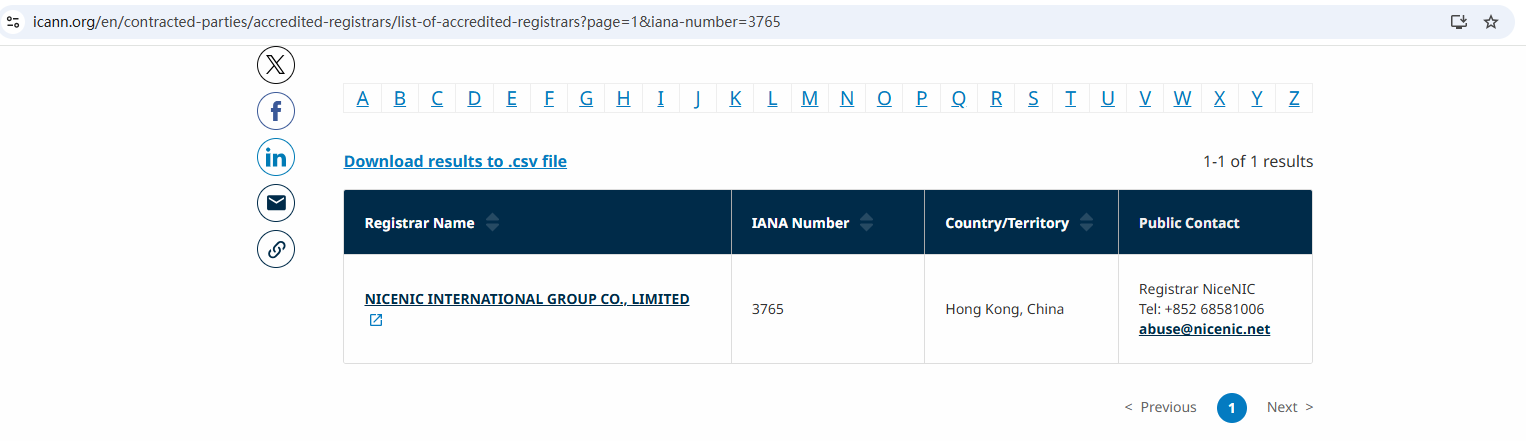
Nicenic stands as that trusted partner for brands, developers, entrepreneurs, and businesses worldwide.
Next News: What Are the 10 Common Reasons for Domain Transfer Failures?








