


Paparan:108
Masa:2026-05-12 14:00:57 Penulis: NiceNIC 
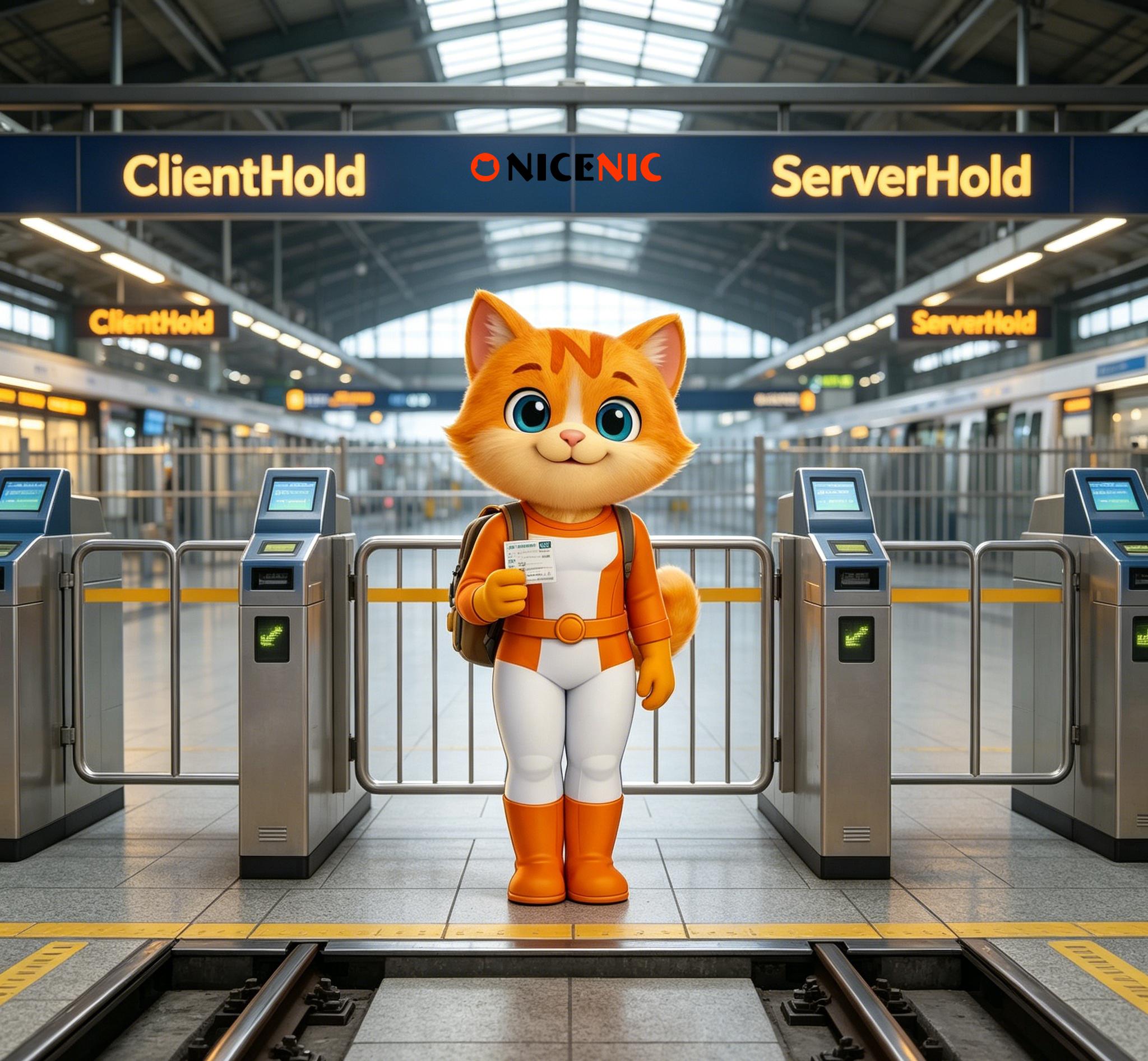
ClientHold vs ServerHold Explained: What Domain Owners Should Check First
ClientHold and ServerHold can both stop a domain from resolving, but they do not mean the same thing.
The simplest difference is this: ClientHold is applied at the registrar level, while ServerHold is applied by the registry that manages the extension. For domain owners, that distinction matters because it affects where the problem sits, who can address it first, and what recovery path is realistic.
If your website suddenly stops loading or your WHOIS check shows a hold status, the most useful first step is not panic. It is identifying which hold you are dealing with.
This guide is for:
- business owners whose domain suddenly stopped resolving
- agencies troubleshooting a client outage
- support teams checking WHOIS or domain status data
- portfolio users trying to understand a hold message
- anyone who wants a plain-language explanation before contacting support
What ClientHold means
ClientHold is a status set by the registrar.
When a domain is placed on ClientHold, the registrar has disabled DNS resolution for that domain. In practical terms, the domain may stop resolving, which can affect the website and email connected to it.
ClientHold does not mean the domain is deleted. It means DNS functionality has been suspended until the underlying issue is addressed.
What ServerHold means
ServerHold is a status set by the registry.
This means the registry that operates the extension has disabled the domain from resolving at the registry level. Because the hold sits above the registrar layer, the path to resolution is different from ClientHold.
For domain owners, this difference is important. A registrar may help explain the issue or the next step, but it does not always mean the registrar alone can remove the status immediately.
What both statuses have in common
Both ClientHold and ServerHold can lead to the same visible problem:
- the website does not load
- email service may stop working
- DNS queries no longer return active results
That is why the two terms are often confused. From the outside, both can look like "the domain stopped working." But the source of control is different, which changes how you should respond.
Common reasons a domain may be placed on hold
While the exact cause depends on the situation, common triggers can include:
- domain renewal and expiration policy issues
- unresolved domain email verification or account problems
- abuse handling process or registrar action
- registry-level restrictions or registry-managed processes
The right response depends on the actual reason, not just the label. That is why checking the exact status and the surrounding context matters.
What domain owners should check first
1. Confirm the exact status
Start with a WHOIS or domain status check so you know whether the domain shows ClientHold or ServerHold.
2. Check whether the problem is registrar-level or registry-level
This tells you where the issue is sitting and who is likely to guide the next step.
3. Review recent lifecycle events
Ask whether the domain recently expired, entered a renewal issue, changed account settings, or received a status-related notice.
4. Check whether the issue may affect email too
If the domain supports business email, assume email continuity may also be affected until DNS resolution is restored.
5. Avoid making random DNS changes
A hold status is not usually fixed by changing nameservers or editing records blindly. First identify the actual cause.
Common misunderstandings
1. A hold status means the domain is gone
Not necessarily. A hold status usually means functionality is suspended, not that the domain has been deleted.
2. ClientHold and ServerHold are interchangeable
They are not. They may look similar from the outside, but they originate from different control points.
3. DNS edits will solve the issue immediately
Usually not. If the hold remains active, DNS changes alone will not restore resolution.
4. The same recovery path works for both
It often does not. The action path depends on whether the issue is at the registrar level, the registry level, or related to DNS abuse.
Why this distinction matters in practice
For business owners, this is not just a technical definition.
It affects:
- who you contact first
- how quickly you can understand the issue
- whether the registrar can resolve it directly
- whether the registry is involved
- how you explain the issue internally or to a client
Why NiceNIC's explanation model is useful
NiceNIC's public explanation is useful because it frames the issue in plain language instead of assuming technical background. It also clearly separates registrar-level and registry-level control, which is the most important distinction domain owners need at the start.
That makes the page suitable not only for technical users, but also for business owners and agencies trying to quickly understand what changed and what to do next.
Conclusion
So, what is the difference between ClientHold and ServerHold?
ClientHold is set by the registrar. ServerHold is set by the registry. Both can stop the domain from resolving, but they point to different control layers and often different recovery paths. The first priority is to identify which one applies, then investigate the cause instead of guessing.
FAQ
Q: Does ClientHold mean the registrar suspended the domain?
A: Yes. ClientHold is a registrar-level status that disables DNS resolution until the issue is resolved.
Q: Does ServerHold mean the registry is involved?
A: Yes. ServerHold is applied by the registry that manages the extension.
Q: Can both statuses affect email as well as the website?
A: Yes. If the domain stops resolving, both website and email services may be affected.
Q: What should I do first if I see one of these statuses?
A: Run a domain status or WHOIS check, confirm which hold applies, then review the likely cause before making changes.
If your domain has stopped resolving, do not guess. Start by identifying whether the status is ClientHold or ServerHold, then review the likely cause and the right control point. If you need a clearer next step, review NiceNIC's support articles and trust resources to narrow the issue quickly.
BERITA BERKAITAN:
Berita Sebelumnya:
NiceNIC Becomes the No.1 Registrar Worldwide for .icu Registration Volume
Berita Seterusnya: The .ART Award Is Open: Win $50,000 by Showcasing Your Work on a .ART Website
Berita Seterusnya: The .ART Award Is Open: Win $50,000 by Showcasing Your Work on a .ART Website








