



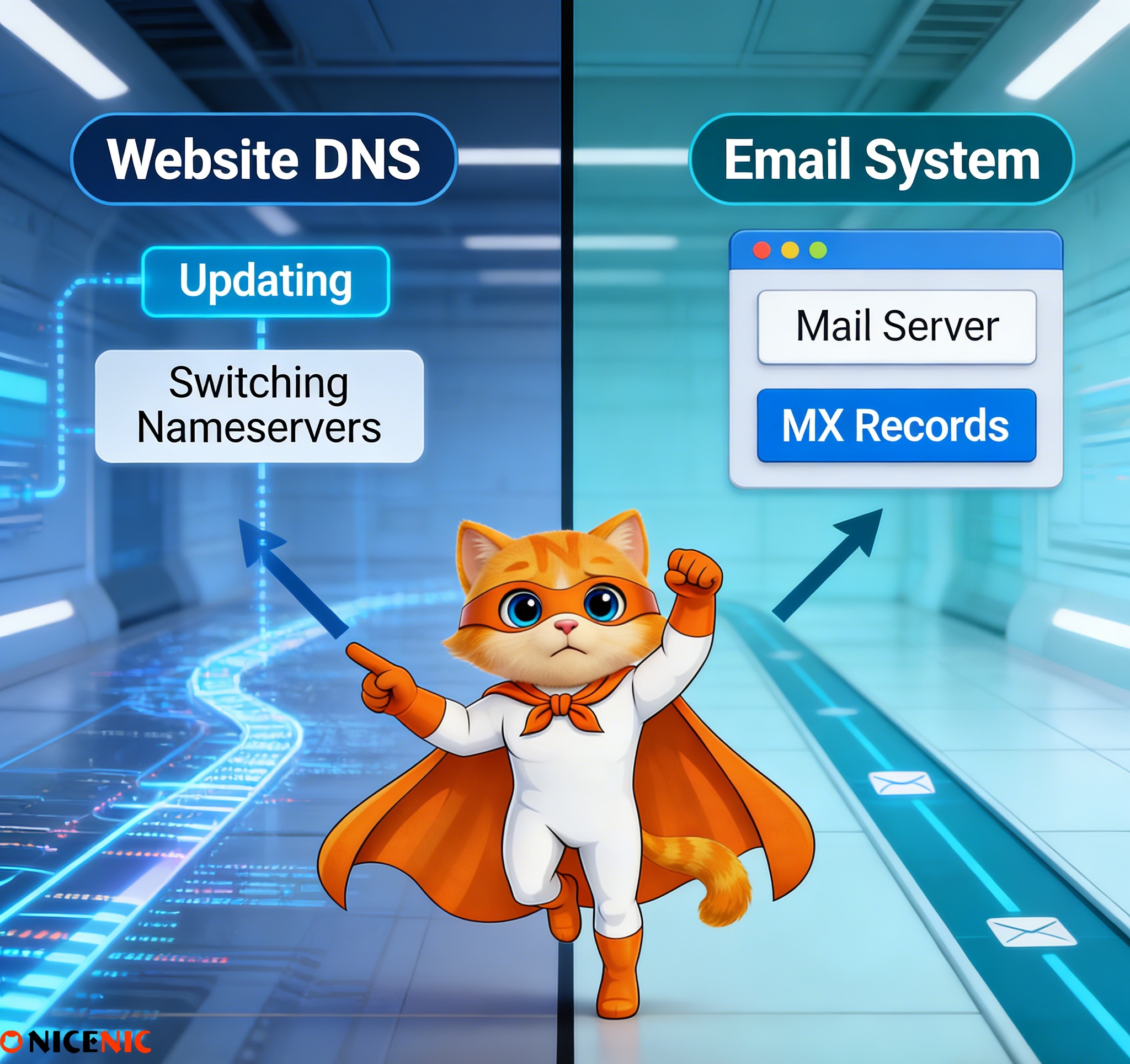
Short answer: Yes, it can.
Changing nameservers does not just update a single setting, it replaces the entire DNS zone for your domain. If email-related DNS records are not recreated correctly after the change, email delivery will fail.
This article explains why that happens, what usually goes wrong, and how to change nameservers safely without breaking email.
Why Email Problems Often Appear After Changing Nameservers
A common situation looks like this:
-
You change nameservers to connect a website builder, CDN, or new hosting provider
-
The website loads correctly
-
A few hours later, email suddenly stops working
This happens because email relies entirely on DNS records, and those records do not automatically move with a nameserver change.
Changing nameservers means a new DNS provider takes full control of all records for the domain.
Nameservers answer one question for the internet: "Where are the DNS records for this domain stored?"
When you change nameservers:
-
The previous DNS zone is no longer used
-
The new nameserver starts with its own DNS records
-
Any records that are missing must be added manually
This behavior is fundamental to how DNS works and is not specific to any registrar or provider.
Why Email Is Especially Affected
Email does not depend on nameservers directly—it depends on specific DNS records.
For email to work, the following records must exist and be correct:
-
MX – tells other mail servers where to deliver email
-
SPF – specifies which servers are allowed to send email
-
DKIM – verifies that messages have not been altered
-
DMARC – defines how receiving servers should handle failures
If these records are missing after a nameserver change, mail servers have nowhere to send or validate email.
1. Incoming Email Stops Arriving
-
MX records were not recreated
-
Mail servers cannot locate your inbox provider
2. Outgoing Email Is Rejected or Marked as Spam
-
SPF or DKIM records are missing
-
Receiving servers cannot verify sender authenticity
3. Email Works for Some People but Not Others
-
DNS propagation is still in progress
-
Different networks are using different cached records
What You Should Always Do Before Changing Nameservers
This is the single most effective way to prevent email-related support issues.
-
Export or copy all existing DNS records
-
Confirm the following records specifically:
MX SPF DKIM DMARC
-
Check your email provider’s official DNS requirements
Email providers publish exact DNS values that must be used, these should always be followed.
What to Verify After Changing Nameservers
Once the nameserver change is complete, immediately check:
-
MX records exist and point to the correct mail servers
-
SPF includes all authorized sending servers
-
DKIM records are present and valid
-
DMARC policy matches your intended setup
To confirm email is working:
-
Send test emails from an external provider
-
Use diagnostic tools provided by your email service
Common Misunderstandings That Cause Support Tickets
In reality, you changed the entire DNS environment that email depends on.
Websites and email use different DNS records.
How to Change Nameservers Without Affecting Email
A safe approach looks like this:
-
Create all required DNS records on the new nameserver first
-
Verify email records match your provider’s documentation
-
Change nameservers only after records are ready
-
Keep monitoring email for 24–48 hours
-
Allow time for DNS propagation based on TTL values
Changing nameservers does not break email by itself.Email problems occur when required DNS records are not recreated on the new nameserver.
Understanding this distinction prevents unexpected email outages and unnecessary emergency support requests.
A Trusted Partner for DNS and Email Stability
Managing DNS changes safely requires both technical clarity and adherence to global standards.
As an ICANN-accredited registrar, Nicenic helps domain owners understand the impact of DNS changes and prepare correctly, so essential services like email remain uninterrupted.
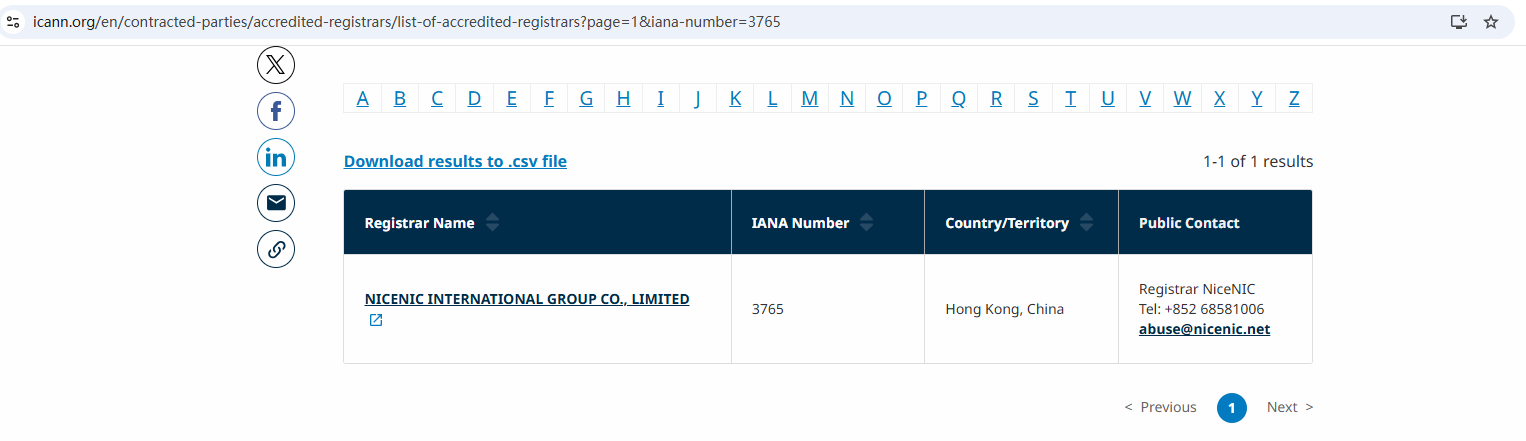
Nicenic stands as that trusted partner for brands, developers, entrepreneurs, and businesses worldwide.
Suggested "Read Next"
Next News: What Happens After You Type a Domain Name Into Your Browser?








