



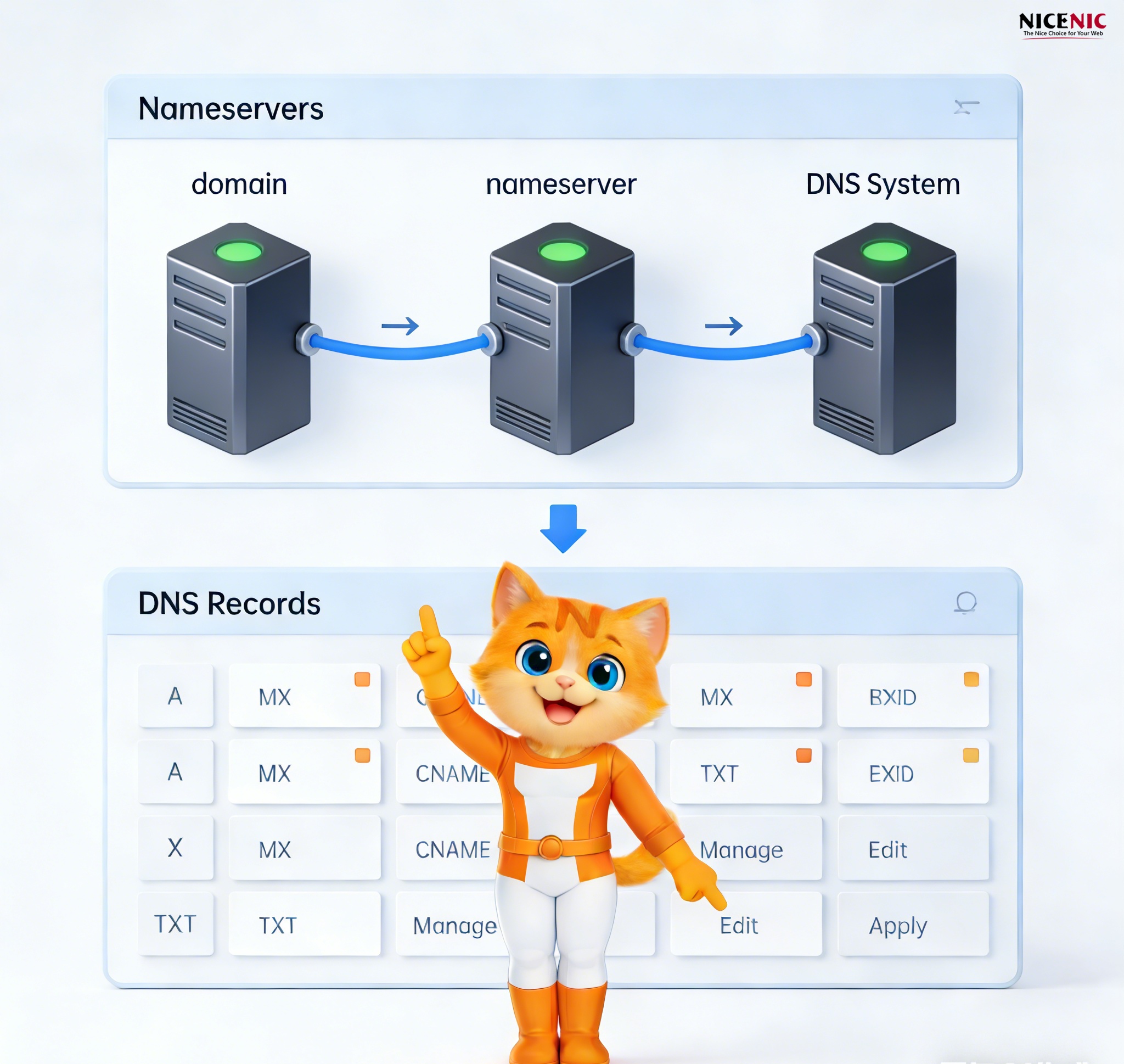
When managing your domain, you may come across the terms "Nameservers" and "DNS Records". While they are closely related, they are not the same. Understanding the difference between these two is essential to avoid confusion, prevent mistakes, and ensure your domain is properly configured. This guide will help you differentiate between Nameservers and DNS Records, explain their roles, and show you how to manage them effectively.
What are Nameservers?
Definition:
-
Nameservers are like a "directory" that tells the internet where to find specific information about your domain (such as the A record or MX record).
-
When someone tries to access your website or send you an email, the Nameserver will point them to the right DNS record that leads to your server.
Many users confuse Nameservers with DNS Records, but the two are distinct:
-
Nameservers are the servers that store DNS records.
-
DNS Records contain the specific details (such as IP addresses or email servers) that allow internet services to work.
What are DNS Records?
Definition:
DNS Records are the specific entries within your Nameserver that tell the internet how to interact with your domain. Common DNS records include:
-
A Record: Maps your domain name to an IP address.
-
MX Record: Directs email traffic to the correct mail server.
-
CNAME Record: Alias for a domain.
-
NS Record: Specifies which Nameservers are authoritative for your domain.
Many users mistakenly think Nameservers and DNS Records are the same thing. However, Nameservers are the servers that store DNS records, while DNS Records are the individual data entries in the system.
Key Difference:
Nameservers direct internet traffic to the correct DNS Records, while DNS Records provide the specific details needed for services like websites and emails.
The Relationship Between Nameservers and DNS Records
How They Work Together:
-
Nameservers store and direct users to the DNS Records.
-
DNS Records are what actually tell the web browser or email server what to do with the incoming request (e.g., send an email to a specific server or load a website from a specific IP address).
Think of it this way:
-
Without nameservers, there is no place to store or retrieve DNS records
-
Changing nameservers does not automatically transfer DNS records
-
DNS records must be recreated on the new nameserver provider after a nameserver change
When to Update Nameservers vs DNS Records
When You Need to Change Nameservers
Typical situations include:
-
Switching to a new DNS hosting provider
-
Moving DNS management away from your registrar
-
Using a CDN, security, or performance-focused DNS service
Critical step before changing nameservers:
When You Only Need to Edit DNS Records
You should edit DNS records when:
-
Updating your website IP address
-
Adding or changing email services
-
Verifying a service using TXT records
In these cases:
-
Do NOT change nameservers
-
Expect some delay due to DNS propagation
Common Mistakes and How to Avoid Them
1. Confusing Nameservers with DNS Records
How to Fix It:
Always check your DNS Records after changing Nameservers to ensure they are still configured correctly.
2. Forgetting to Update DNS Records After Changing Nameservers
How to Fix It:
After changing Nameservers, go to your new DNS provider’s dashboard and manually update your DNS Records (such as A, MX, or CNAME records).
How to Manage Nameservers and DNS Records Effectively
Step-by-Step Guide to Update Nameservers:
-
Log into your domain registrar’s dashboard.
-
Locate the domain you want to manage.
-
Find the option to update Nameservers.
-
Enter the new Nameserver information (typically provided by your new DNS provider).
-
Save changes and allow up to 24-48 hours for DNS propagation.
Step-by-Step Guide to Update DNS Records:
-
Log into your domain registrar’s or DNS host's dashboard.
-
Navigate to the DNS settings section.
-
Locate the DNS record you want to modify (A record, MX record, etc.).
-
Update the record with the necessary details (e.g., IP address for A record).
-
Save changes and wait for the records to propagate.
Conclusion
It is crucial to understand the distinction between Nameservers and DNS Records in domain management. Changing your Nameservers affects where your DNS records are stored, while modifying DNS Records changes specific configurations like email or website IP addresses. Keeping these distinctions clear will help ensure smooth domain management and avoid unnecessary confusion.
A Trusted Foundation for Your Domain Management
As an ICANN-accredited registrar, Nicenic adheres to industry standards to ensure your domain is secure, reliable, and properly managed. We are committed to offering clear and transparent domain management services, making sure your Nameservers and DNS Records are configured properly and securely.
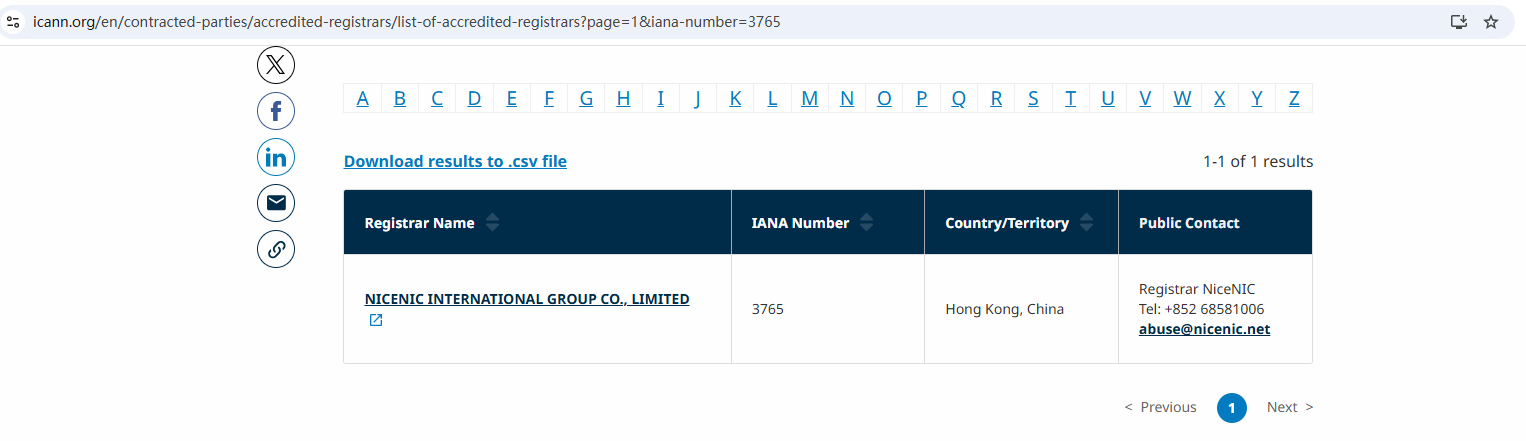
Nicenic stands as that trusted partner for brands, developers, entrepreneurs, and businesses worldwide.
Next News: What Is .world? Everything You Need To Know About .world Domains








