




Seeing a domain marked as "Locked" often makes users uneasy.
Common reactions include:
-
"Is my domain suspended?"
-
"Why can’t I change my settings?"
-
"Will my website stop working?"
In most cases, none of these concerns apply. A locked domain is usually protected, not restricted.
This article explains what domain locking really means, why it exists, and when you should keep it enabled.
Understanding Domain Locking
Domain locking is a security feature designed to prevent unauthorized or accidental changes to a domain.
When a domain is locked:
-
It cannot be transferred without authorization
-
Certain updates are temporarily blocked
-
Normal domain resolution continues uninterrupted
Locking is a safeguard, not a penalty.
Different locks protect against different risks. Understanding the distinction helps avoid confusion.
This lock prevents a domain from being transferred to another registrar without explicit action by the registrant.
Typical situations where it appears:
-
Newly registered domains
-
Recently transferred domains
-
Domains intentionally locked by the owner for security
This is the most common lock type and is usually enabled by default.
Update Lock (clientUpdateProhibited)
An update lock prevents changes to:
-
DNS records
-
Registrant or contact information
-
Certain domain settings
This lock helps protect domains from:
-
Accidental misconfiguration
-
Unauthorized DNS changes
-
Account compromise scenarios
Some registries offer an additional, higher-security lock at the registry level.
Key characteristics:
-
Requires manual verification to remove
-
Not controlled solely through standard control panels
-
Often used for high-value brand or mission-critical domains
This is an optional, advanced security measure.
Why Domain Locks Exist
Domain locks are designed to prevent serious and often irreversible problems, including:
-
Unauthorized domain transfers
-
Domain hijacking
-
Accidental deletion
-
Malicious DNS modifications
Many domain theft incidents occur when locks are disabled or overlooked. Keeping locks enabled significantly reduces these risks.
Locked Does NOT Mean Suspended
This distinction is critical.
A locked domain:
-
Continues to resolve normally
-
Keeps websites and email working
-
Simply cannot be modified until unlocked
A suspended domain:
-
Does not resolve
-
Causes websites and email to stop working
-
Usually involves compliance or policy enforcement
If your website is still online, the domain is not suspended, regardless of lock status.
When You Should Keep Domain Locks Enabled
For most users, especially businesses, locks should remain enabled at all times unless a change is required.
Recommended for:
-
Primary business websites
-
Email-critical domains
-
Brand and corporate domains
Unlocking should be a temporary action, followed by re-locking once updates are complete.
Unlocking is appropriate when you need to:
-
Transfer the domain to another registrar
-
Make structural DNS changes
-
Update registrant or ownership information
After completing the task, re-enabling the lock is considered best practice.
Common Misunderstandings
"Locked means my domain is in trouble."No. Locking is a normal security state.
"Locking affects website speed or SEO."
No. Locking does not impact resolution or ranking.
"Only problematic domains get locked."
Incorrect. Most domains are locked by default.
"This was done because of abuse or violation."
Locking alone does not indicate any policy issue.
Frequently Asked Questions
Q: Will a locked domain stop my website or email from working?
No. Locking does not affect resolution or services.
Q: Why can’t I change my DNS settings?
An update lock may be enabled and needs to be temporarily removed.
Q: Is it unsafe to unlock my domain?
Short-term unlocking for legitimate changes is normal. Just re-lock afterward.
Q: Who controls the lock?
Most locks are registrar-level security features. Some advanced locks are managed at the registry level.
Final Thoughts
Domain locking is a protective safety belt, not a warning signal.
Understanding this mechanism helps users avoid unnecessary worry, prevents misdirected support requests, and strengthens long-term domain security.
At Nicenic, domain locks are enabled by default to help protect registrants from unauthorized or accidental changes, while still allowing full control when legitimate updates are required.
Nice to Register, Safe to Own
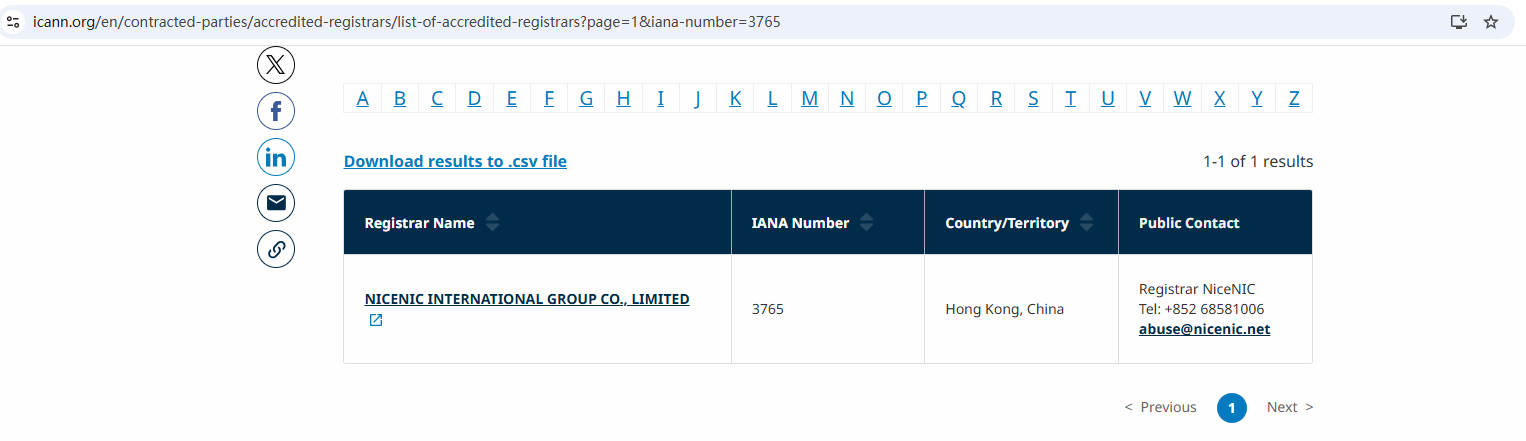
Brands, businesses, developers, and domain professionals worldwide trust NiceNIC — an ICANN-accredited domain registrar founded in 2006, supporting gTLDs, ccTLDs, and new gTLDs at global scale.
Why NiceNIC?
• Fair & Transparent Operations — No domain suspension without valid evidence
• Registrant-First Control — Lifetime free WHOIS privacy and full domain control
• Responsive Human Support — Real experts, real help, replies within 6 hours
• Global Accreditation — ICANN-accredited operations with multilingual support worldwide
• Scalable Infrastructure — 2,500+ domain extensions with API automation tools
• Flexible Payments — Crypto-friendly: BTC, USDT, ETH, LTC etc.
Efficiency is built on platforms like Google
Profitability is accelerated by AI infrastructure;
Trust is protected at the domain level - NiceNIC!
Next News: Is Public DNS Always Faster?








