




When a website feels slow or unreachable, many users try the same quick fix: "I switched my DNS to 8.8.8.8, but nothing changed."
Public DNS services such as Google Public DNS (8.8.8.8) or other well-known resolvers can improve performance in some situations. However, they are not universally faster, and they are not a solution for configuration problems.
This article explains what public DNS actually does, when it can help, and why it sometimes makes no difference or even introduces delays.
What Is Public DNS?
Public DNS is a third-party recursive DNS resolver that you can use instead of your internet service provider’s (ISP) default DNS servers.
Its role is simple:
-
Receive DNS queries from your device
-
Resolve domain names into IP addresses
-
Cache results according to standard DNS rules
Public DNS does not host websites, control domain records, or change how authoritative DNS servers behave.
In some regions, ISP-provided DNS servers may be:
-
Overloaded
-
Poorly maintained
-
Slow to refresh cached records
Public DNS providers often operate large, globally distributed networks with efficient caching, which can result in faster responses compared to a weak local ISP resolver.
Public DNS services typically return:
-
Standard DNS responses
-
Fewer ISP-level redirects or modifications
This consistency can improve reliability, especially when an ISP’s DNS introduces unexpected behavior.
Why Public DNS Is Sometimes Slower
This is where many users are surprised.
1. Physical Routing Distance Still Matters
DNS queries are network requests. Even with global Anycast networks, your traffic may be routed to a public DNS node that is farther away than your local ISP resolver.
In such cases:
-
Latency increases
-
DNS resolution may actually take longer
Faster infrastructure does not always mean closer infrastructure.
2. Additional Filtering or Policy Checks
Some public DNS services apply:
-
Security filtering
-
Anti-abuse checks
-
Regional policy handling
While these features are useful, they can add processing overhead and slightly increase response time in certain scenarios.
3. Public DNS Cannot Change Authoritative DNS Behavior
This is the most important point to understand.
Public DNS cannot:
-
Override TTL values
-
Force DNS cache refreshes
-
Fix incorrect A or CNAME records
-
Make an offline website appear online
Public DNS resolvers still respect:
-
Authoritative DNS records
-
TTL-based caching rules
-
Standard DNS hierarchy
If the DNS configuration is wrong or the hosting server is down, changing resolvers will not fix the issue.
Common Misunderstandings Users Have
"I switched to 8.8.8.8. Why is my site still not working?"
Because DNS resolution is only one part of the system.
If records point to the wrong server, or the server is offline, public DNS cannot help.
"Does public DNS make DNS changes apply faster?"
No. TTL is controlled by the authoritative DNS server.
Public DNS resolvers follow the same caching rules as any other resolver.
"Is public DNS a performance accelerator?"
No. It is a resolver choice, not a performance guarantee.
When Using Public DNS Makes Sense
Public DNS can be useful when:
-
Your ISP’s DNS is unstable or unreliable
-
You want consistent DNS behavior across networks
-
You are testing DNS resolution differences
It is not a fix for:
-
Incorrect DNS records
-
Website downtime
-
Hosting configuration errors
-
DNS propagation delays
When a website feels slow or unreachable, try this sequence:
-
Check whether the website server is online
-
Verify DNS records are correct at the authoritative level
-
Confirm TTL and caching behavior
-
Then test different DNS resolvers for comparison
Public DNS is a diagnostic tool, not a repair button.
Understanding roles prevents misdirected support requests:
-
Registrar: domain status, ownership, transfers
-
Authoritative DNS: DNS record definitions
-
Public DNS: query resolution and caching
-
Hosting provider: server availability and content
Changing public DNS does not bypass these boundaries.
Public DNS services are useful tools, but they are not universally faster, and they do not solve configuration issues.
DNS performance depends on:
-
Resolver proximity
-
Network routing
-
Cache state
-
Correct authoritative configuration
Understanding these layers is far more effective than repeatedly switching DNS settings.
At Nicenic, we help users distinguish between DNS resolution tools and actual DNS configuration, so issues can be diagnosed accurately instead of relying on trial-and-error changes.
Nice to Register, Safe to Own
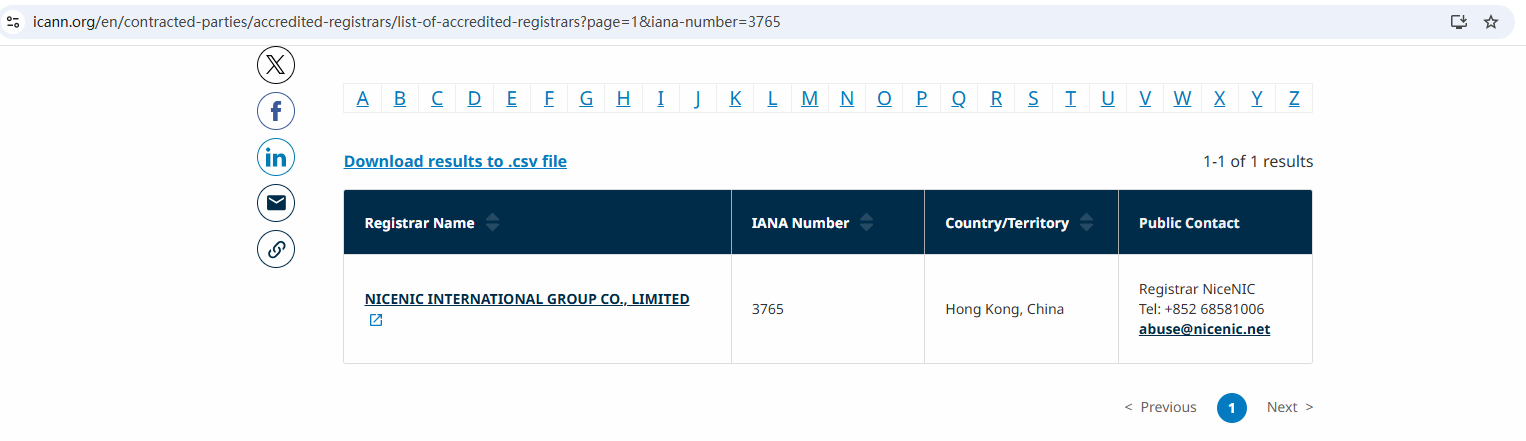
Brands, businesses, developers, and domain professionals worldwide trust NiceNIC — an ICANN-accredited domain registrar founded in 2006, supporting gTLDs, ccTLDs, and new gTLDs at global scale.
Why NiceNIC?
• Fair & Transparent Operations — No domain suspension without valid evidence
• Registrant-First Control — Lifetime free WHOIS privacy and full domain control
• Responsive Human Support — Real experts, real help, replies within 6 hours
• Global Accreditation — ICANN-accredited operations with multilingual support worldwide
• Scalable Infrastructure — 2,500+ domain extensions with API automation tools
• Flexible Payments — Crypto-friendly: BTC, USDT, ETH, LTC etc.
Big companies choose proven platforms;
Smart companies choose AI-first growth;
Long-term companies choose secure domains - NiceNIC!
Next News: Domain Is Active but the Website Is Still Down. What’s Going On?








