



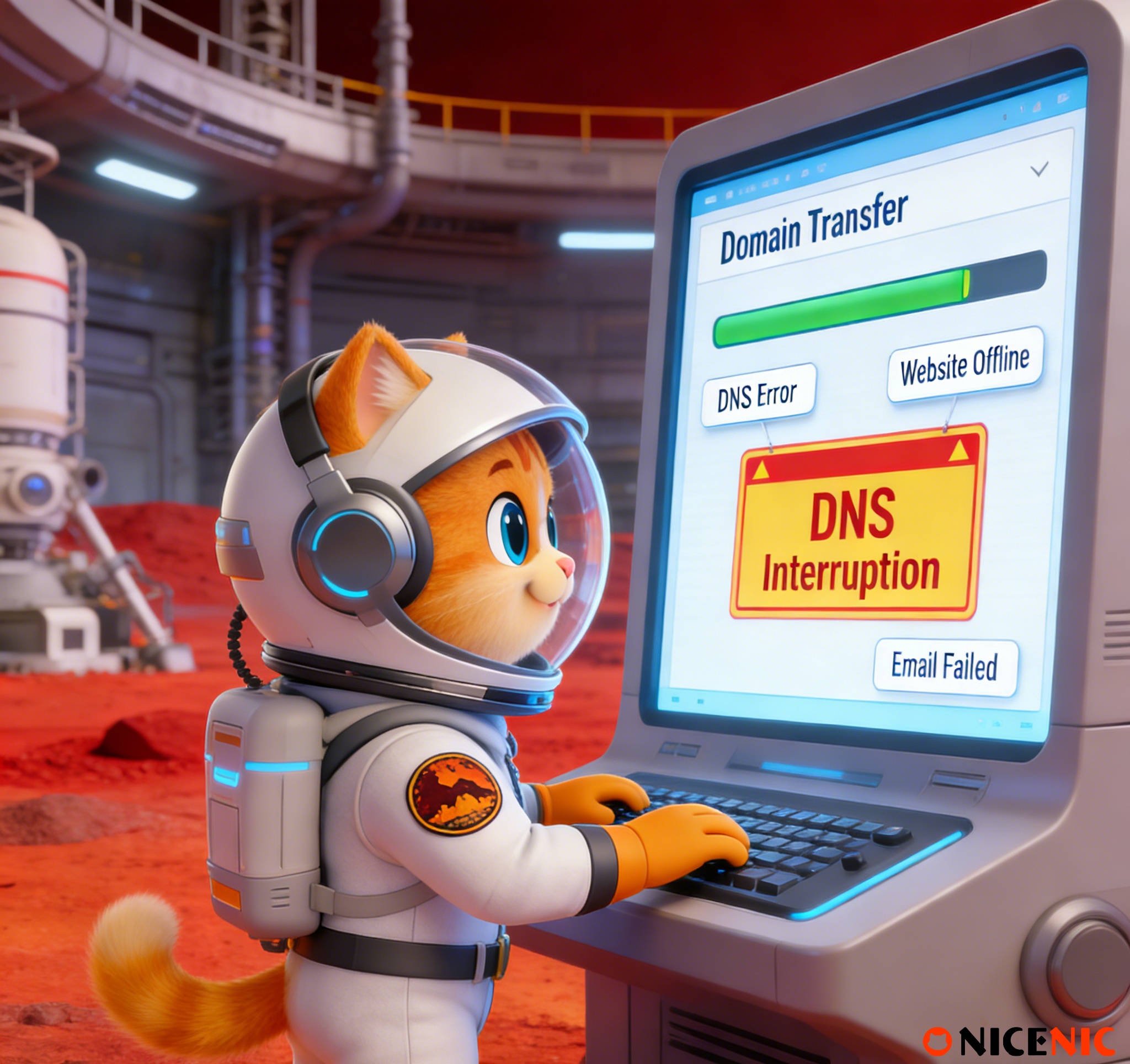
When transferring a domain, many domain owners often worry about potential disruptions to their DNS, website, or email services. The good news is that in most cases, no, domain transfers do not cause interruptions. However, there are specific scenarios where disruptions may occur if proper precautions aren’t taken.
This article explores why domain transfers typically don’t affect your services, when issues might arise, and how you can ensure a smooth transfer process to avoid downtime.
How Domain Transfers Work
1. Domain Transfer vs. DNS Settings
A domain transfer simply means moving a domain from one registrar to another. This process involves updating the registrar record in the domain’s registration database, but it does not automatically change DNS settings. DNS settings, which control how your domain directs traffic (website and email) , typically remain unaffected unless nameservers are manually changed.
- DNS settings remain the same unless explicitly modified.
- Website and email services continue to function as long as nameservers are not altered.
- DNS hosting and website hosting are usually independent from the domain registrar, meaning changes to the registrar won’t affect how your website or email operates unless DNS settings are altered.
2. Why Domain Transfers Usually Don’t Interrupt Services
- Website and email services are determined by DNS settings, not the registrar.
- If the nameservers remain the same, your services continue to function as they did before the transfer.
When Can a Domain Transfer Cause Service Interruptions?
While most transfers go smoothly, interruptions can occur in the following situations:
1. Changing Nameservers During the Transfer
If you change nameservers during the domain transfer process (either intentionally or unintentionally), it can disrupt your services:
-
DNS changes take time to propagate globally (this can take up to 48 hours).
-
During propagation, some users may experience downtime or encounter outdated information.
-
If the nameservers are changed incorrectly, this can cause website downtime and email delivery failures.
Recommendation: If you need to change nameservers, do it after the transfer is complete. Avoid making DNS changes until you’re sure the transfer process is fully finished.
2. DNS Managed by the Losing Registrar
If your current registrar also manages your DNS (rather than a third-party DNS provider), a domain transfer might cause a brief interruption in services if the registrar cancels the DNS hosting during the transfer process.
What’s the Risk?
Recommendation: If your DNS is hosted by your current registrar, move your DNS hosting to a third-party provider (such as Cloudflare) before initiating the transfer to ensure continuity of service.
Will Email Continue to Work During a Domain Transfer?
Yes, email services should continue functioning during a domain transfer as long as MX records (the DNS records responsible for routing emails) are not changed or deleted during the process.
Important Considerations:
- Email services rely on MX records, not the registrar. As long as these records remain intact, email will continue to work.
- Changes to MX records during the transfer could cause disruptions to email delivery.
Recommendation: Double-check that your MX records are correct and will remain unchanged during the domain transfer to ensure email service remains uninterrupted.
Best Practices to Ensure Your Domain Transfer Doesn’t Interrupt Services
Here are some practical steps you can take to ensure your domain transfer goes smoothly without causing service interruptions:
1. Do Not Change DNS or Nameservers During the Transfer
Avoid making changes to nameservers or DNS records while the domain transfer is in process. If changes are necessary, wait until the transfer is complete.
Tip: Monitor DNS propagation after the transfer to ensure everything is functioning as expected.
2. Move DNS Hosting to a Third-Party Provider (If Necessary)
If your registrar is also hosting your DNS, consider moving your DNS services to an external provider (like Cloudflare or Google DNS) before initiating the transfer. This will ensure that your DNS records remain intact and operational during the transfer.
3. Backup and Verify DNS Records Before Transfer
Before initiating the transfer, ensure that all your DNS records (A, MX, CNAME, TXT, etc.) are properly configured and backed up. This will make it easier to reconfigure them if necessary after the transfer is complete.
4. Contact Your New Registrar for Clarity on Transfer Policies
Different registrars may have different policies regarding DNS hosting during a domain transfer. Confirm with your new registrar if any actions are required to ensure DNS continuity during the transfer.
FAQ: Common Questions About Domain Transfer Interruptions
Q1: Will my website stop working during the domain transfer?
A: No, as long as your nameservers and DNS records remain unchanged, your website will continue to resolve as usual. Interruptions typically occur only when nameservers are changed during the transfer.
Q2: Will my email service stop working during the domain transfer?
A: No, email services should continue working if MX records remain unchanged. Email routing is controlled by DNS settings, not the registrar.
Q3: Can I change my DNS settings during a domain transfer?
A: It's best to avoid changing DNS settings during the transfer process. Changing nameservers or DNS records can cause temporary disruptions. If necessary, make DNS changes after the transfer is complete.
Q4: What should I do if my DNS is hosted by my current registrar?
A: If your DNS is managed by your current registrar, move your DNS hosting to a third-party provider before initiating the transfer to avoid service disruptions.
Conclusion: How to Ensure a Smooth Domain Transfer
In most cases, a domain transfer will not interrupt your DNS, website, or email services, as long as you don’t make changes to nameservers or DNS records during the transfer process. By following the best practices outlined above, you can avoid disruptions and ensure a smooth transition.
When transferring your domain, remember to double-check your DNS settings and MX records, and avoid making unnecessary changes during the process.
Nicenic stands as that trusted partner for brands, developers, entrepreneurs, and businesses worldwide, offering comprehensive domain management services and expert support to help you keep your online presence secure and operational during the domain transfer process.
Next News: What Is .lol? Everything You Need To Know About .lol Domains








