




One of the most common questions domain owners ask after updating DNS records is: "Why hasn’t my DNS change taken effect yet?"
This situation often leads users to believe something is broken or misconfigured. In reality, DNS changes not applying immediately is normal behavior, and the key reason is TTL.
Understanding TTL helps you avoid unnecessary troubleshooting, reduces confusion when managing DNS, and prevents many avoidable support requests.
What Does TTL Mean in DNS?
TTL (Time To Live) defines how long a DNS response is allowed to be cached before it must be refreshed.
In simple terms:
-
TTL tells DNS resolvers how long they can reuse an existing answer
-
TTL does not control when a DNS change is made
-
TTL only controls when cached data expires
For example:
-
A TTL of 3600 seconds means the DNS record may be cached for up to one hour
-
During that hour, resolvers can continue serving the cached result
This is why DNS updates do not always appear instantly.
DNS is a distributed, cache-based system.
When you update a DNS record:
-
The change is applied immediately on the authoritative DNS server
-
However, recursive resolvers around the world may still hold cached data
-
Those resolvers will continue using cached results until the TTL expires
As a result:
-
Some users may see the new record
-
Others may still see the old one
-
Both results can be correct at the same time
This behavior is expected and is essential for DNS performance and stability at a global scale.
A common misunderstanding is believing that TTL controls how fast DNS updates are "pushed out."
This is not how DNS works.
-
DNS changes happen immediately on the authoritative server
-
TTL only affects how long other systems are allowed to remember old answers
-
There is no global "refresh" command for DNS
Once a resolver caches a record, it will not ask again until the TTL expires—even if the record has already been updated.
TTL values involve a trade-off between stability and flexibility.
High TTL (e.g. 86400 seconds / 24 hours)
-
Fewer DNS queries
-
More stable performance
-
Slower visible changes
-
Best for long-term, stable configurations
Low TTL (e.g. 300 seconds / 5 minutes)
-
Faster propagation of changes
-
More frequent DNS queries
-
Greater flexibility during transitions
-
Best for planned changes or migrations
Neither option is "better" in all cases. The right TTL depends on your situation.
Lowering TTL makes sense before a planned change, not after.
Common scenarios include:
-
Website migrations
-
Server or IP address changes
-
Planned DNS restructuring
-
Email service transitions
Best practice:
-
Lower the TTL at least several hours (or a day) before the change
-
Make the DNS update after most caches are already using the shorter TTL
-
Increase TTL again once the change is complete and stable
Lowering TTL after making a change does not speed things up for resolvers that already cached the old record.
Why Different DNS Tools Show Different Results
Users are often confused when:
-
One DNS checker shows the new record
-
Another still shows the old one
This happens because:
-
Different tools query different DNS resolvers
-
Each resolver has its own cache and expiration timeline
-
Geographic location also affects which resolver is used
This does not indicate an error. It reflects normal DNS caching behavior.
How long does DNS propagation really take?
There is no fixed propagation time. It depends on the TTL value and when caches were created.
Can I force DNS to update faster?
No. You can only plan ahead by lowering TTL before making changes.
Is my DNS broken if I still see old results?
Not necessarily. Check TTL values and allow sufficient time for cache expiration.
Should I always keep TTL low?
No. Very low TTL values increase query volume and are unnecessary for stable setups.
Practical Tips to Avoid DNS Confusion
-
Always check the TTL before making DNS changes
-
Plan DNS updates in advance when possible
-
Use multiple DNS checking tools to compare results
-
Avoid repeated changes during propagation periods
-
Be patient—DNS consistency improves as caches expire
Understanding TTL eliminates most DNS-related misunderstandings.
TTL is not a delay mechanismm, it is a caching control.
DNS changes do not apply immediately because the internet relies on distributed caching to remain fast, reliable, and scalable. Once you understand how TTL works, DNS behavior becomes predictable rather than frustrating.
For users managing domains long term, clear DNS visibility and predictable behavior are essential. At nicenic, we emphasize transparent DNS management and best-practice guidance to help users understand how caching and TTL affect real-world changes.
Nice to Register, Safe to Own
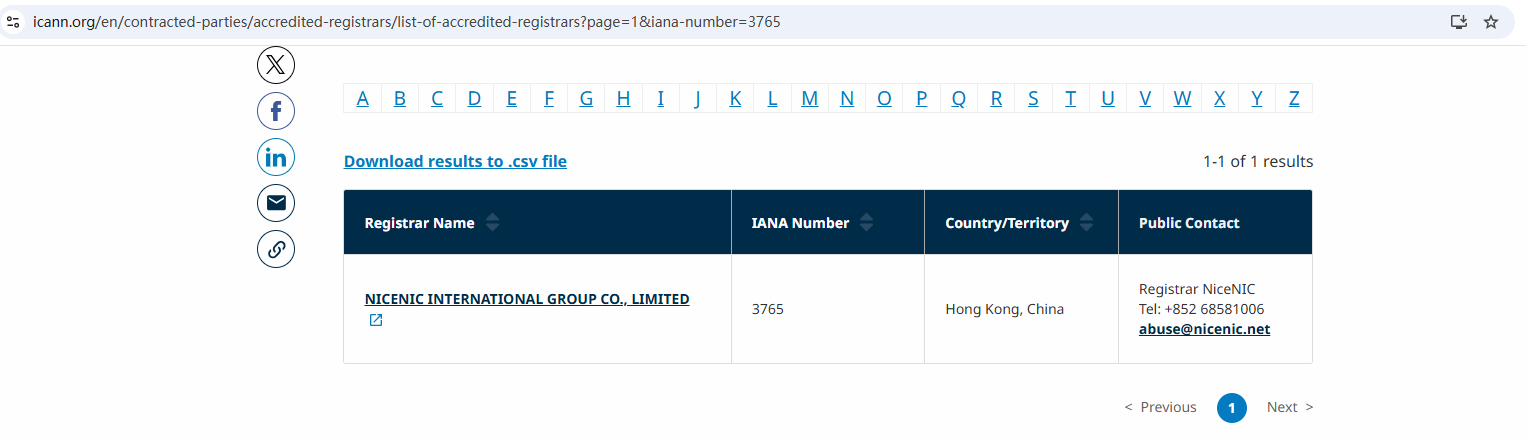
Brands, businesses, developers, and domain professionals worldwide trust NiceNIC — an ICANN-accredited domain registrar founded in 2006, supporting gTLDs, ccTLDs, and new gTLDs at global scale.
Why NiceNIC?
• Fair & Transparent Operations — No domain suspension without valid evidence
• Registrant-First Control — Lifetime free WHOIS privacy and full domain control
• Responsive Human Support — Real experts, real help, replies within 6 hours
• Global Accreditation — ICANN-accredited operations with multilingual support worldwide
• Scalable Infrastructure — 2,500+ domain extensions with API automation tools
• Flexible Payments — Crypto-friendly: BTC, USDT, ETH, LTC etc.
World-class teams collaborate on Microsoft and Google;
High-growth businesses scale with intelligent AI search;
Security-conscious brands protect domains with NiceNIC!
Next News: What Is .es? Everything You Need To Know About .es Domains








