



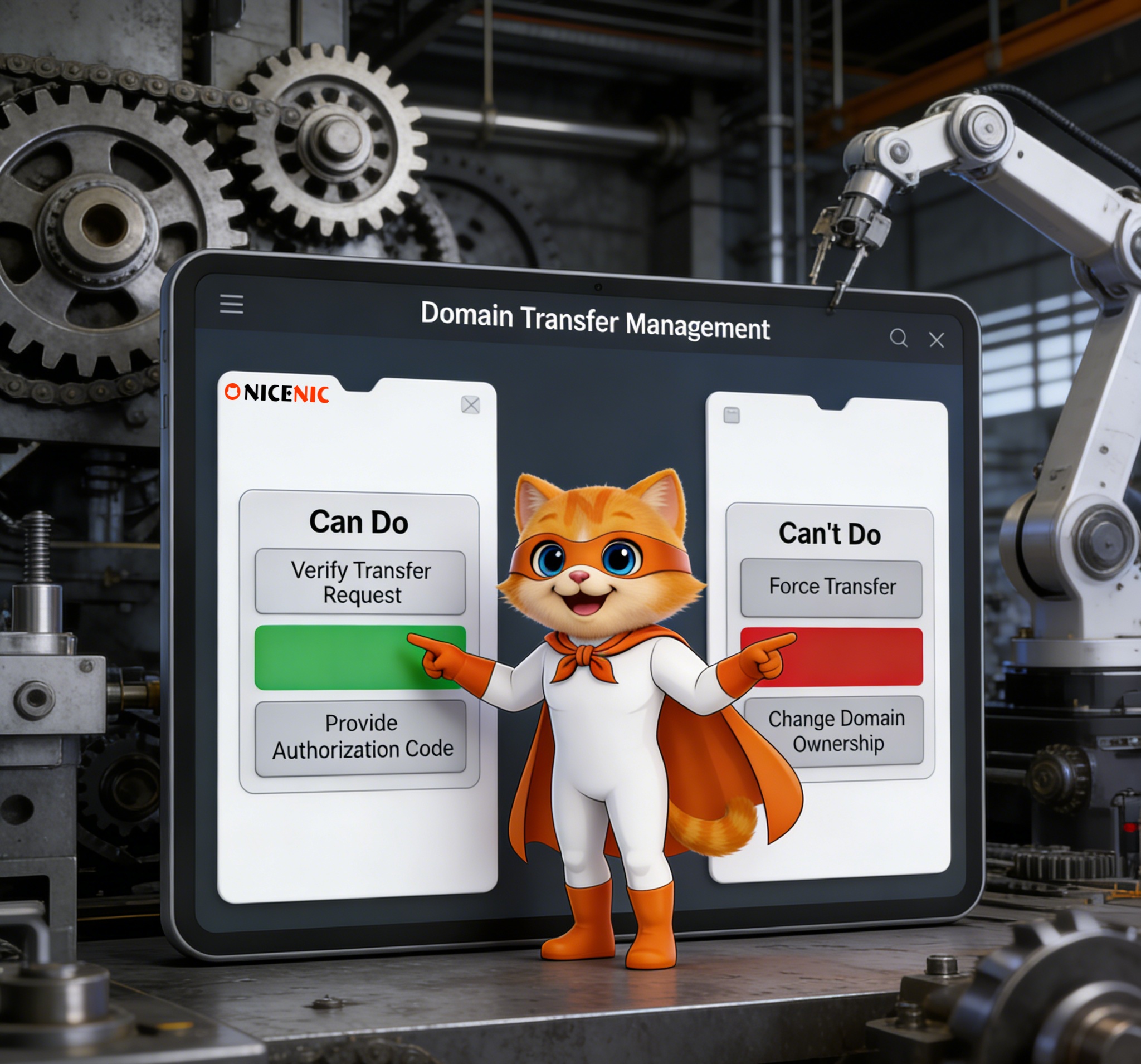
Domain transfers are an essential part of domain management, but the process can sometimes be confusing. Understanding what a domain registrar can and cannot do during a domain transfer is crucial for ensuring a smooth transition. In this guide, we’ll walk you through what you can expect from your registrar during the transfer process, as well as common misunderstandings that might arise.
1. What a Registrar Must Do Under ICANN Policy
Domain registrars are required to follow specific guidelines set by ICANN (the Internet Corporation for Assigned Names and Numbers) when processing domain transfers. These rules are designed to ensure security, fairness, and authorization for domain transfers.
1.1 Provide Access to Transfer Information
A registrar must provide all the necessary information for transferring a domain if the request comes from the domain owner or the authorized representative. This includes:
-
Authorization code (EPP code): A unique code needed to initiate the transfer to another registrar.
-
Unlock the domain: The registrar must unlock the domain to allow the transfer request to proceed.
1.2 Accept and Process Transfer Requests
Registrars must process valid transfer requests promptly and in accordance with ICANN’s transfer policy. They are required to accept a transfer if the domain meets all necessary requirements. They cannot arbitrarily reject a valid transfer request.
1.3 Enforce the 60-Day Lock Rules
When a domain is:
-
Registered
-
Transferred
-
Changes its registrant information
A 60-day lock is automatically applied, during which the domain cannot be transferred again. Registrars must enforce this lock to comply with ICANN policies.
2. What a Registrar Can Do to Help You During a Transfer
Apart from fulfilling the requirements mandated by ICANN, registrars can also offer additional services to make your transfer process easier:
Provide Transfer Guides
Many registrars offer step-by-step guides to help you initiate and complete a transfer. These resources may include:
-
Instructions on how to unlock your domain,
-
How to retrieve your EPP/authorization code,
-
Where to submit your transfer request.
These resources are not required by ICANN but greatly improve the customer experience.
Offer Automated Confirmation Workflows
Registrars can also send you automated confirmation emails or provide dashboard alerts to guide you through the transfer process. This ensures you complete the required steps, such as clicking confirmation links or reviewing the transfer details.
3. What a Registrar Cannot Do During a Domain Transfer
While registrars have important responsibilities, there are limits to what they can do during a domain transfer.
3.1 They Cannot Complete a Transfer Without Your Authorization
A registrar cannot process a transfer unless the correct authorization code (EPP code) has been provided and the request comes from the domain owner or an authorized contact. Registrars must verify that the person requesting the transfer is authorized.
3.2 They Cannot Ignore ICANN’s Transfer Policy
Registrars must adhere to ICANN’s standardized transfer policies. They cannot:
-
Skip the confirmation process,
-
Transfer a locked domain,
-
Proceed with a transfer during the 60-day lock period.
3.3 They Cannot Force You to Stay With Them
Once a valid transfer request is initiated, the registrar cannot prevent or block the transfer without a valid reason (such as the 60-day lock, expired domain status, or a legal issue). They are also prohibited from denying your right to transfer to another ICANN-accredited registrar.
4. What a Registrar Will Not Do During a Domain Transfer
-
Automatically change your DNS settings or nameservers,
-
Move your hosting or email services,
-
Modify your domain’s WHOIS contact information,
-
Automatically renew your domain (unless you specifically request it).
These actions require separate authorization and are not part of the domain transfer process.
5. What a Registrar Can Do Before the Transfer
Registrars can help you prepare for a smooth transfer by offering the following services:
-
Unlocking the domain: Before initiating the transfer, your domain must be unlocked.
-
Providing the authorization code (EPP code): The registrar can provide you with the necessary code to begin the transfer process.
These actions don’t complete the transfer but are essential preparatory steps.
Even if you are transferring a domain, your registrar cannot:
-
Force you to change your nameservers,
-
Require you to switch your hosting provider,
-
Compel you to accept additional services or upsells during the transfer.
A legitimate transfer process should only include actions required by ICANN's Transfer Policy.
| Action | Registrar Can Do | Registrar Cannot Do |
|---|---|---|
| Provide Auth Code (EPP) | ✔️ | ❌ |
| Process transfer request | ✔️ | ❌ |
| Transfer during 60-day lock | ❌ | ❌ |
| Change DNS settings automatically | ❌ | ✔️ |
| Reject valid transfer requests | ❌ | ❌ |
Conclusion
Understanding what your registrar can and cannot do during a domain transfer ensures a smoother, more efficient process. By being aware of your rights and responsibilities, you can confidently manage your domain transfers and avoid unnecessary delays.
A Trusted Partner for Domain Management
As an ICANN-accredited registrar, Nicenic adheres to the highest industry standards for secure, compliant, and transparent domain management. Whether you’re transferring a domain, updating your information, or managing DNS settings, we are here to guide you through the process with ease.
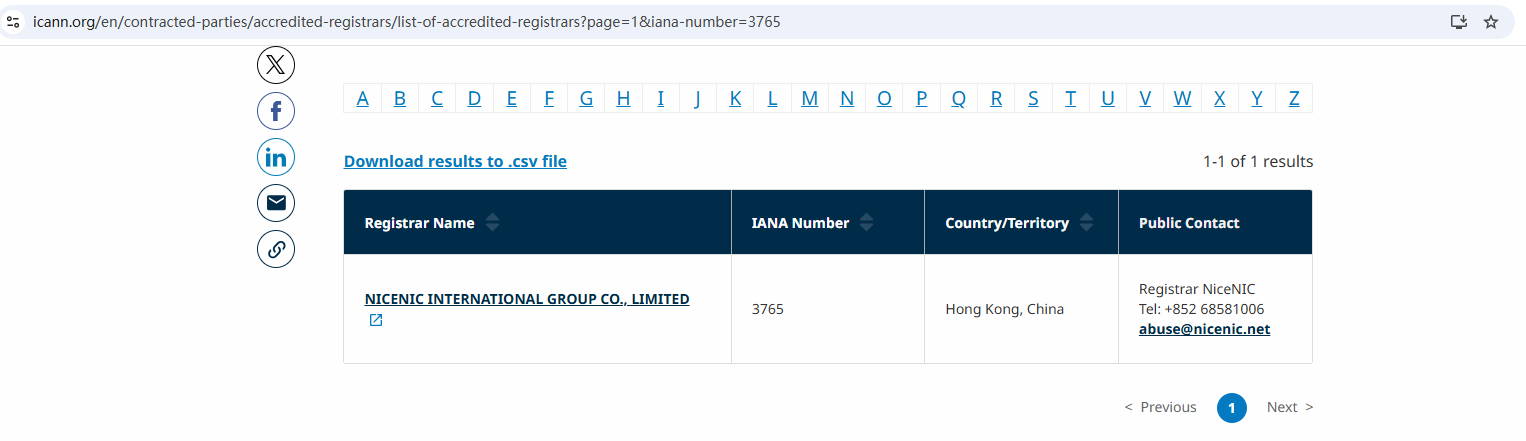
Nicenic stands as that trusted partner for brands, developers, entrepreneurs, and businesses worldwide.
Next News: How to Integrate Domain Registration into Your Web Development Projects








