




When an SSL certificate fails to issue or renew, one of the first assumptions users make is: "Is this a DNS problem?"
In many cases, DNS is involved, but it is rarely the system that is "broken."
More often, SSL validation fails because DNS records were added incorrectly, added to the wrong place, or have not yet fully propagated.
This article explains how SSL certificate verification works, the role DNS plays in the process, and how to identify and fix the most common causes of validation failure.
DNS Does Not Manage SSL Certificates. But Validation Depends on It
SSL certificates are issued and managed by Certificate Authorities (CAs).
However, many CAs rely on DNS to verify one critical thing: That you control the domain you are requesting a certificate for.
If DNS cannot reliably demonstrate domain control, certificate issuance or renewal will fail.
How SSL Certificate Verification Works (Simplified)
DNS TXT Record Validation
DNS CNAME-Based Validation
HTTP File Validation (Less Relevant Here)
In all DNS-based methods, the CA queries DNS directly to verify control.
DNS acts as a verification channel, not a certificate system.
Its role is limited to:
-
Publishing the required TXT or CNAME record
-
Making that record publicly visible
-
Returning consistent results to the CA’s DNS resolvers
If DNS records are missing, incorrect, conflicting, or not yet propagated, validation fails, even though DNS itself is functioning normally.
This section addresses the actual reasons behind most SSL-related support tickets.
1. The Validation Record Was Added to the Wrong Domain Level
This is the most frequent mistake.
Examples:
-
The CA expects the record on
example.com -
The record is added to
www.example.com -
Or the reverse
If the record exists at the wrong level, the CA will not find it and validation will fail.
2. The TXT or CNAME Value Is Incomplete or Modified
Common issues include:
-
Missing characters
-
Extra spaces
-
Automatic quotation marks added by DNS interfaces
-
Copy-paste truncation
Even a single incorrect character will cause validation to fail.
After adding or updating DNS records:
-
Some resolvers may still cache old data
-
The CA may query a resolver that has not refreshed yet
If TTL values are high, this delay can last longer than expected.
This does not mean the record is wrong, it means caches have not expired yet.
4. Multiple Validation Records Conflict
This often happens when:
-
Multiple certificates are requested at the same time
-
Different CAs are used for the same domain
-
Old validation records are left behind
Conflicting records can prevent the CA from determining which authorization is valid.
A very common renewal failure scenario:
-
Certificate was previously issued using DNS validation
-
TXT records were deleted after issuance
-
Automatic renewal later fails because the CA can no longer verify ownership
If automatic renewal is enabled, required DNS records should remain in place unless explicitly advised otherwise.
-
"SSL verification failed, so DNS must be broken."
Usually incorrect. DNS is reachable, but records are not meeting CA requirements. -
"Switching to public DNS (8.8.8.8) will fix it."
No. Public DNS resolvers still query the same authoritative DNS records. -
"Deleting all TXT records and starting over is faster."
This often makes things worse by introducing conflicts or propagation delays.
A Practical Troubleshooting Checklist
Before retrying SSL validation, check the following:
-
Confirm which validation method the CA is using
-
Verify the record is added to the correct domain level
-
Check that the record value matches exactly
-
Allow sufficient time for DNS propagation
-
Remove only conflicting or obsolete validation records
-
Retry validation only after records are fully visible
This approach resolves most validation issues without repeated trial-and-error.
Q: Is SSL verification failure a registrar issue?
Usually not. Most failures are caused by incorrect or incomplete DNS records.
Q: Why did this work before but fail during renewal?
Validation records may have been removed or modified after initial issuance.
Q: How long should I wait before retrying validation?
Wait at least one TTL cycle after making DNS changes.
Q: Can DNS outages cause SSL validation failure?
Yes, but this is far less common than configuration errors.
Final Thoughts
SSL certificate verification failures are rarely caused by DNS outages.
They are far more often caused by how DNS records are added, where they are placed, and when validation is attempted.
Understanding DNS as a verification channel, not a certificate system helps resolve issues faster and avoids unnecessary confusion.
At Nicenic, we help users clearly distinguish between DNS configuration and SSL certificate validation, so verification issues can be diagnosed accurately instead of through repeated trial and error.
Nice to Register, Safe to Own
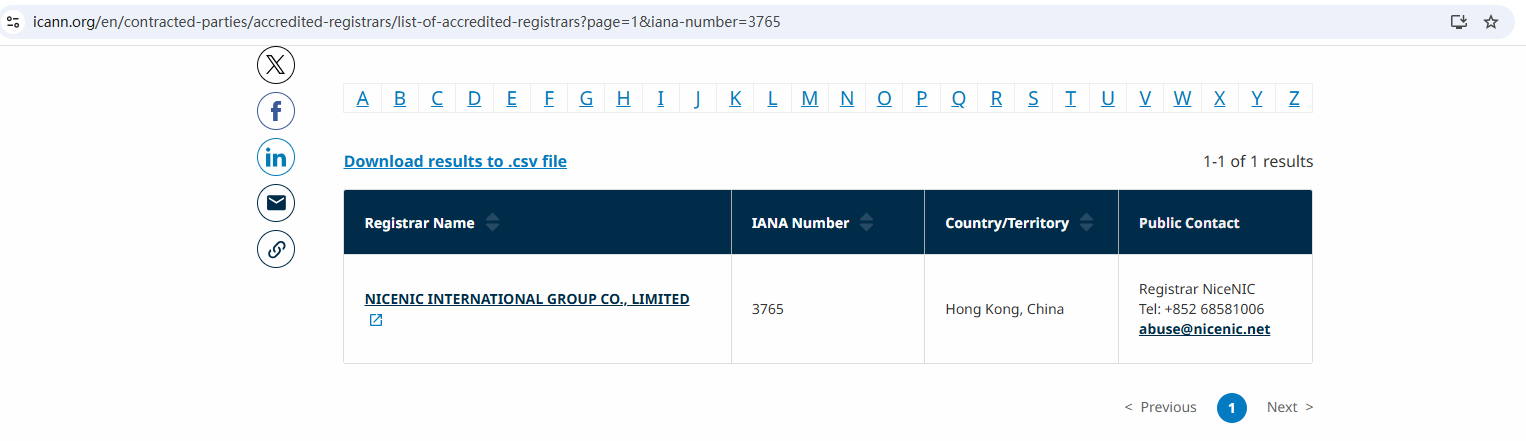
Brands, businesses, developers, and domain professionals worldwide trust NiceNIC — an ICANN-accredited domain registrar founded in 2006, supporting gTLDs, ccTLDs, and new gTLDs at global scale.
Why NiceNIC?
• Fair & Transparent Operations — No domain suspension without valid evidence
• Registrant-First Control — Lifetime free WHOIS privacy and full domain control
• Responsive Human Support — Real experts, real help, replies within 6 hours
• Global Accreditation — ICANN-accredited operations with multilingual support worldwide
• Scalable Infrastructure — 2,500+ domain extensions with API automation tools
• Flexible Payments — Crypto-friendly: BTC, USDT, ETH, LTC etc.
World-class teams collaborate on Microsoft and Google;
High-growth businesses scale with intelligent AI search;
Security-conscious brands protect domains with NiceNIC!
Next News: Why SSL Security Is a Core Requirement for Websites in 2025








