


Views:357
Time:2026-02-24 15:47:02 Author: NiceNIC 
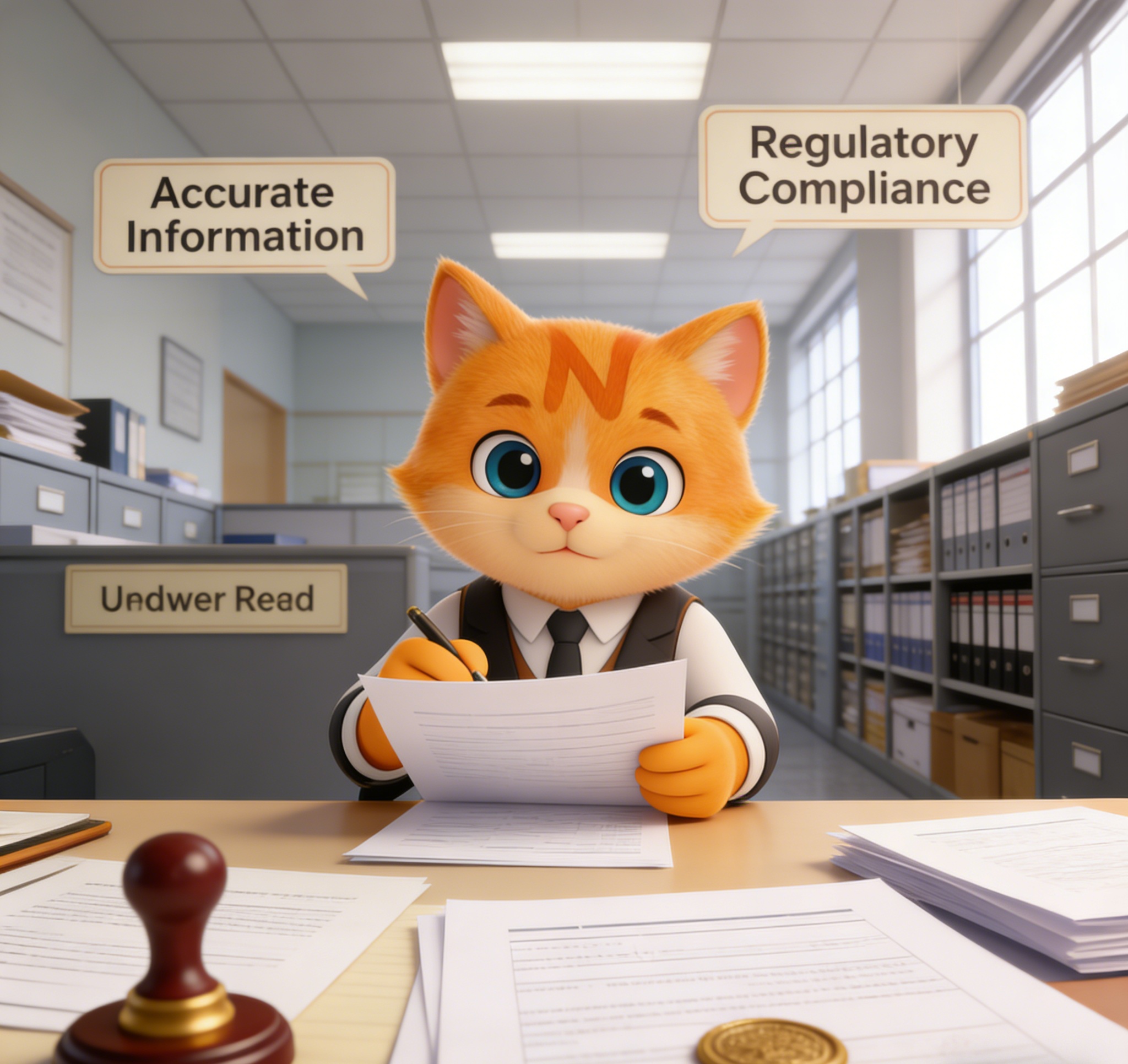
If your WHOIS details are outdated or inaccurate, you may lose important notices, experience transfer delays, or even risk domain suspension. Keeping your WHOIS information accurate is one of the simplest and most important steps in responsible domain management.
This guide explains how to update WHOIS information correctly and how to remain compliant with domain registration policies.
Important: WHOIS Updates Must Be Made Through Your Registrar
Only your domain registrar can update your WHOIS information. ICANN does not directly modify domain records, and WHOIS data cannot be changed independently of your registrar account. All updates must be submitted through your registrar's domain management interface.
If you are unsure who your registrar is, you can perform a WHOIS lookup to identify the managing registrar before proceeding.
How to Update WHOIS Information
While the exact interface may vary slightly between registrars, the general process is consistent across the industry.
Step 1: Log in to Your Registrar Account
Access your domain management dashboard using your registered credentials.
Step 2: Locate the Domain
Navigate to the domain management section and select the domain you wish to update.
Look for options labeled:
Contact Information
Domain Contacts
WHOIS Information
Registrant Details
Step 3: Update the Relevant Contact Fields
You may need to update one or more of the following:
Registrant name or organization
Email address
Phone number
Physical address
Administrative contact
Technical contact
Ensure all information matches your legal or business records.
Step 4: Save Changes and Complete Verification
After submitting changes, your registrar may initiate a verification process. This often includes:
Confirmation emails to the old contact address
Confirmation emails to the new contact address
A required verification link
You must complete verification within the specified timeframe. Failure to confirm updates may result in temporary domain suspension.
Compliance Requirements You Should Know
Under ICANN policy:
Domain owners must provide accurate registration data.
Changes must be updated promptly.
Registrars are required to verify certain contact updates.
In some cases, updating registrant information may trigger a 60-day transfer lock. This is a security measure designed to prevent unauthorized ownership changes, not a system error.
Understanding this policy helps avoid confusion when planning a domain transfer.
If your update does not appear to take effect:
Check spam or junk folders for verification emails
Confirm you completed all required confirmation steps
Ensure the email address entered is valid and accessible
Verify that you are editing the correct domain
Contact your registrar support for clarification
Most WHOIS update issues are related to incomplete verification rather than system failure.
Final Thoughts
Updating WHOIS information is not just a routine administrative task, it is a core responsibility of domain ownership.
Accurate WHOIS data ensures:
You receive renewal and compliance notices
You maintain full control of your domain
Transfers proceed without delay
Your registration remains compliant with ICANN policy
Taking a few minutes to review and update your contact information can prevent significant complications later.
At NiceNIC, we encourage domain owners to proactively review their WHOIS information and maintain accurate registration data to ensure uninterrupted domain control and long-term compliance.
RELATED NEWS:
Last News:
How to Use DNS Tools to Optimize Client Websites for SEO
Next News: What is .live domain | How do I buy a .live domain | Cheap .live Domain Registration
Next News: What is .live domain | How do I buy a .live domain | Cheap .live Domain Registration








