



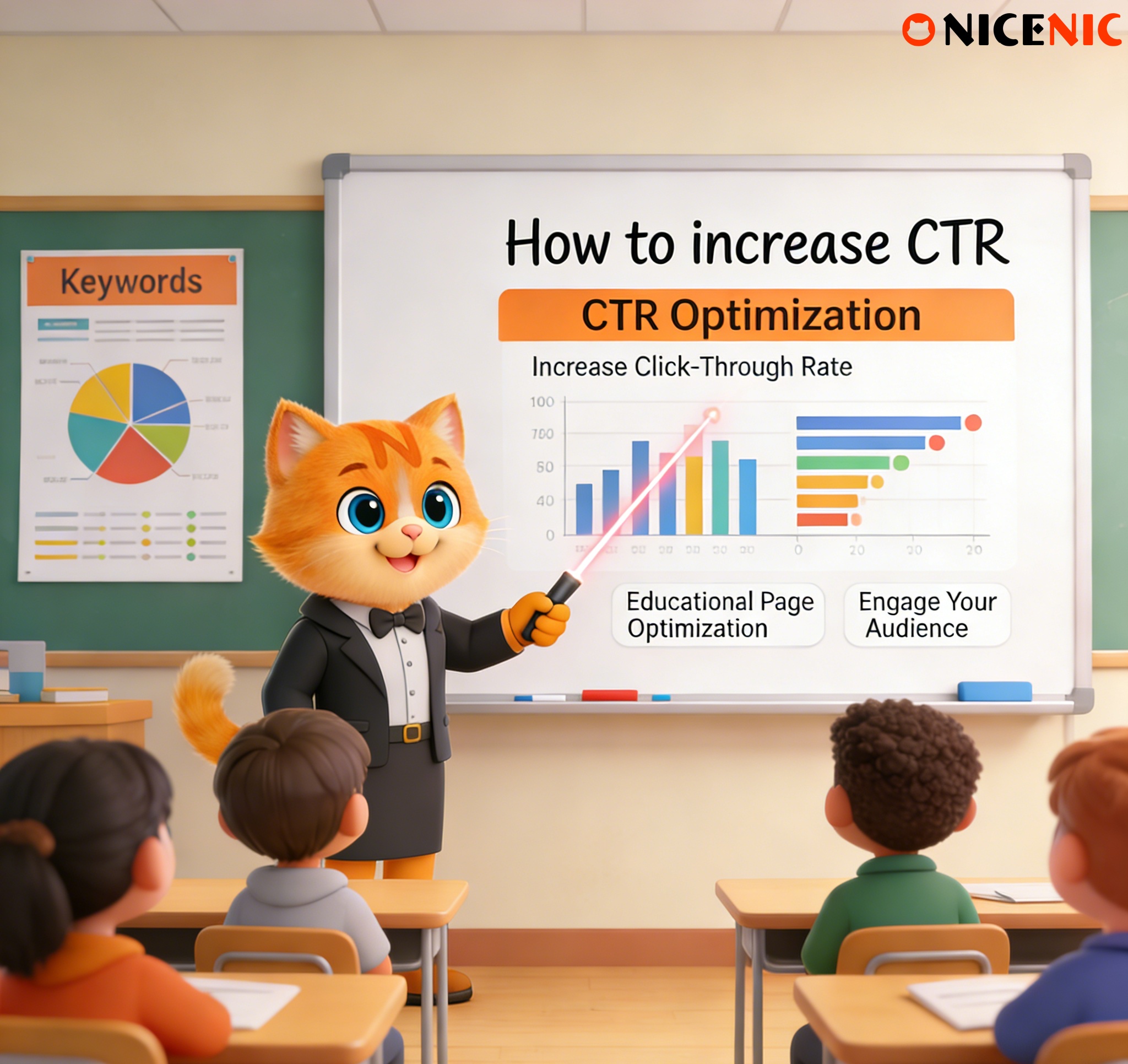
Why CTR Matters for Educational Pages
If you want your educational content to stand out and actually help people, you need to focus on one crucial metric: Click-Through Rate (CTR). The CTR shows how many people click on your page after they see it in search results or on a website. A higher CTR means more people are engaging with your content, which ultimately leads to fewer customer support tickets and better user experience.
In this guide, we’ll walk you through practical steps to increase your CTR, improve user engagement, and make sure your educational pages are doing exactly what they’re meant to do: helping people.
What Makes People Skip Your Content?
- Unclear titles: If the title of your page isn’t clear or doesn’t match what the content delivers, people won’t click.
- Expectations not met: If visitors don’t find what they’re looking for after clicking, they’ll bounce.
- Lack of trust: If your page doesn’t seem trustworthy or authoritative, people won’t engage.
Crafting Clear and Honest Titles
The first thing you need to do is create titles that grab attention and clearly state what the page is about. A strong title should immediately tell the reader what they’ll get out of the content.
- Be straightforward: Say exactly what the user will learn or accomplish by reading the page. For example: "How to Improve Your Domain’s SEO Ranking in 7 Simple Steps."
- Set realistic expectations: Titles like "Instant SEO Results" might sound tempting, but they can backfire when users don’t get immediate results.
- Use numbers and action words: Titles with specific numbers or actionable terms (e.g., "5 Simple Tips for Better SEO") usually work better.
Setting Realistic Expectations: Be Honest About What Users Will Get
- Briefly summarize the page’s purpose: Let users know upfront what they’ll learn or achieve by reading your content.
- Be transparent: If the content requires prior knowledge or takes a few steps to understand, mention it.
- Clarify the end goal: Let users know what action they should take after reading, whether it’s signing up, buying a domain, or contacting support.
Building Trust: How to Make Your Content Credible
To really get people to click and stay on your educational pages, you need to establish trust. If your page doesn’t feel reliable or authoritative, users won’t engage.
Ways to Build Trust:
-
Cite trusted sources: Link to reputable industry sources or experts to back up your claims.
-
Include testimonials and success stories: Show how your services have helped other users, building credibility.
-
Display certifications and badges: As an ICANN accredited registrar, highlighting this trust signal on your page can go a long way.
Trustworthy content makes users feel confident that they are getting accurate and reliable information, which increases the likelihood they’ll engage with your page.
Structuring Your Content for Easy Reading
Even if your title is perfect and the expectations are clear, the way your content is structured can still make or break your CTR. A well-organized page is more likely to engage visitors and keep them reading.
Tips for Structuring Your Content:
-
Use headings and subheadings: Break your content into easily digestible sections so users can find what they’re looking for.
-
Bullet points for key takeaways: Lists make it easy for users to scan the page and absorb the main ideas quickly.
-
Call-to-action (CTA) buttons: Make sure your CTAs are clear and encourage users to take the next step, whether that’s signing up for a service, buying a domain, or getting in touch with support.
A page that’s easy to read and navigate helps users find the information they need without frustration, making them more likely to engage with your content.
Monitoring and Iterating: Keep Improving Your CTR
Improving CTR isn’t a one-time job. You’ll need to keep an eye on your data and refine your content over time. Use the right tools to track how well your pages are performing and experiment with different changes.
- Google Search Console: This tool helps you identify pages with low CTR and allows you to test new titles and descriptions.
- A/B testing: Try different versions of your titles, descriptions, and CTAs to see what works best.
- Heatmaps: Tools like Hotjar can show where users are clicking and engaging with your content, giving you valuable insights.
FAQs: Addressing Common User Concerns
While working to improve your CTR, it’s also important to address any questions or concerns users might have about your content. Here are some common issues:
Conclusion
- Clear Titles: Make sure your titles are straightforward and realistic.
- Set Realistic Expectations: Let users know exactly what they’ll get from the content.
- Build Trust: Use authoritative sources and testimonials to build credibility.
- Structure Content Well: Organize your content to make it easy to read and navigate.
- Keep Improving: Use data to monitor your CTR and test new strategies.
Next News: Can a Domain Be Transferred During Redemption Period?








