



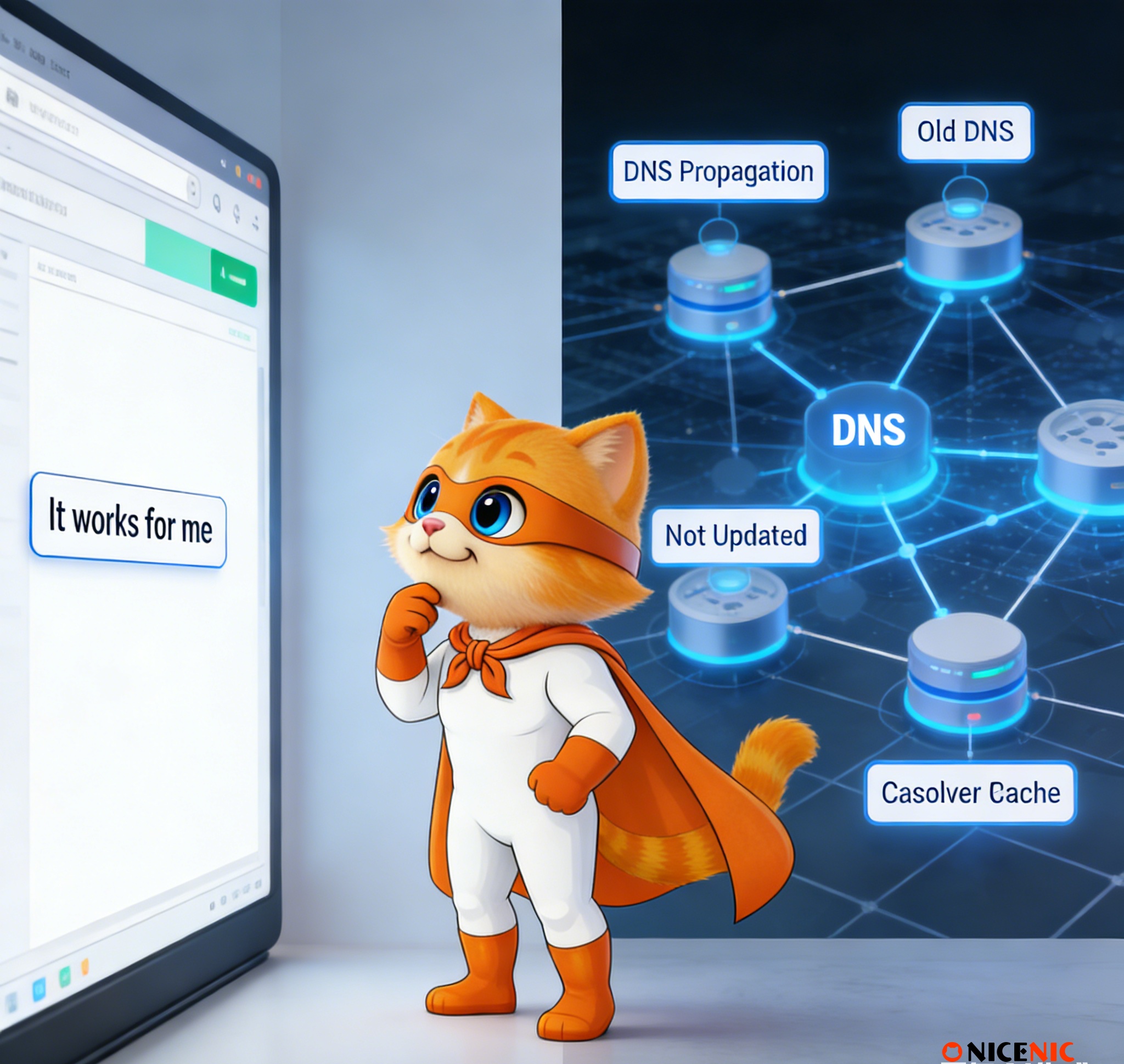
When you update DNS records or change nameservers, it’s common to hear:
"It works on my computer, so the DNS must be fine."
Unfortunately, this assumption is one of the most common causes of confusion, misdiagnosis, and unnecessary support tickets.
DNS does not update instantly or uniformly across the internet. What works in one location may still fail elsewhere. This guide explains why local results are misleading, and shows you reliable, global ways to confirm whether DNS changes have truly taken effect.
Why "It Works for Me" Is Not Reliable
Most operating systems, browsers, and internet providers cache DNS results to improve performance. This means:
-
Your computer may still be using old DNS data
-
Your ISP may return cached results that differ from other regions
-
Another user in a different country may see a completely different outcome
As a result, local success does not prove global DNS propagation.
What DNS Propagation Really Means
DNS information is cached at multiple levels:
-
Your device (local cache)
-
Your router or network
-
Your ISP’s recursive DNS servers
-
Public resolvers around the world
Each cache respects the record’s TTL (Time To Live) value. Until that TTL expires, some servers will continue serving the old record.
This is why DNS changes may appear:
-
Correct in one country
-
Outdated in another
-
Inconsistent during the transition period
Reliable Ways to Check DNS Changes (What Actually Works)
1. Use Multi-Region DNS Lookup Tools (Recommended)
The most reliable way to verify DNS changes is to check results from multiple geographic locations at once.
Trusted DNS propagation tools:
1) DNSChecker – Checks DNS records from 100+ global resolvers
https://dnschecker.org/
2) WhatsMyDNS – Visual DNS propagation map by country
https://whatsmydns.me/
3) NSLookup.io DNS Checker – Clean, record-specific verification
https://www.nslookup.io/dns-checker/
4) Site24x7 DNS Propagation Checker
https://www.site24x7.com/tools/dns-propagation.html
These tools help you answer the only question that matters:
Is the DNS update visible globally, not just locally?
2. Use Command-Line Tools (For Advanced Verification)
Command-line tools allow direct queries to specific DNS resolvers.
dig (Linux, macOS, advanced users)
dig example.com
You can also query Google’s public DNS directly:
dig @8.8.8.8 example.com
nslookup (Windows default)
nslookup example.com
To query a specific resolver:
nslookup example.com 8.8.8.8
Why Ping Is Not a Reliable DNS Test
Many users rely on ping, but this can be misleading because:
-
Ping may use cached IPs
-
Firewalls may block ICMP
-
It does not reflect DNS resolution globally
Ping confirms reachability, not DNS propagation.
3. Test From Different Networks
If possible, test DNS results from:
-
Mobile data vs home Wi-Fi
-
Office network vs public network
-
VPN endpoints in other regions
Different networks often use different recursive DNS servers, revealing whether propagation is complete.
Q: Why do I see the new IP, but someone else still sees the old one?
Because their DNS resolver has not refreshed its cache yet. DNS updates are not synchronized worldwide.
Q: How long should DNS changes take?
Most changes propagate within 24–48 hours, but some resolvers may take longer depending on TTL.
Q: What is TTL and why does it matter?
TTL (Time To Live) controls how long DNS records are cached.
-
High TTL = fewer updates, slower changes
-
Low TTL = faster changes, more frequent lookups
For planned migrations, lowering TTL in advance can reduce downtime.
Q: I cleared my browser cache, but results didn’t change. Why?Browser cache is not DNS cache. DNS may still be cached at:
-
OS level
-
Network level
-
ISP level
This is why global verification tools are essential.
-
Always verify DNS changes from multiple geographic locations
-
Do not rely on a single device or browser
-
Use trusted DNS propagation tools
-
Understand TTL before making production changes
-
Expect temporary inconsistencies during propagation
Best practice:
Never confirm DNS success based on one local test.
DNS issues often appear more complex than they actually are. In most cases, the problem is not incorrect configuration, but misleading local results.
By checking DNS changes globally, understanding propagation behavior, and using the right tools, you can avoid false alarms, reduce downtime concerns, and prevent unnecessary support requests.
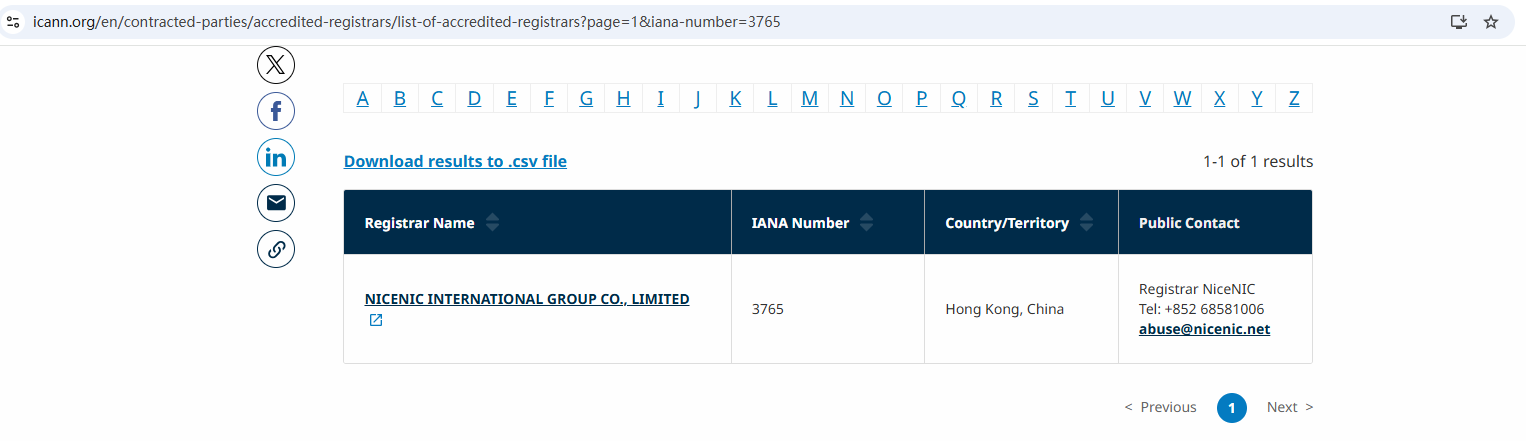
Backed by an ICANN-Accredited Registrar
As an ICANN-accredited registrar, Nicenic is committed to transparency, accuracy, and long-term domain stability. Our Library resources are designed to help customers make informed decisions and resolve issues independently whenever possible.
Nicenic stands as that trusted partner for brands, developers, entrepreneurs, and businesses worldwide.
Next News: What Is a .net Domain and Why It Still Matters in Today’s Internet








