



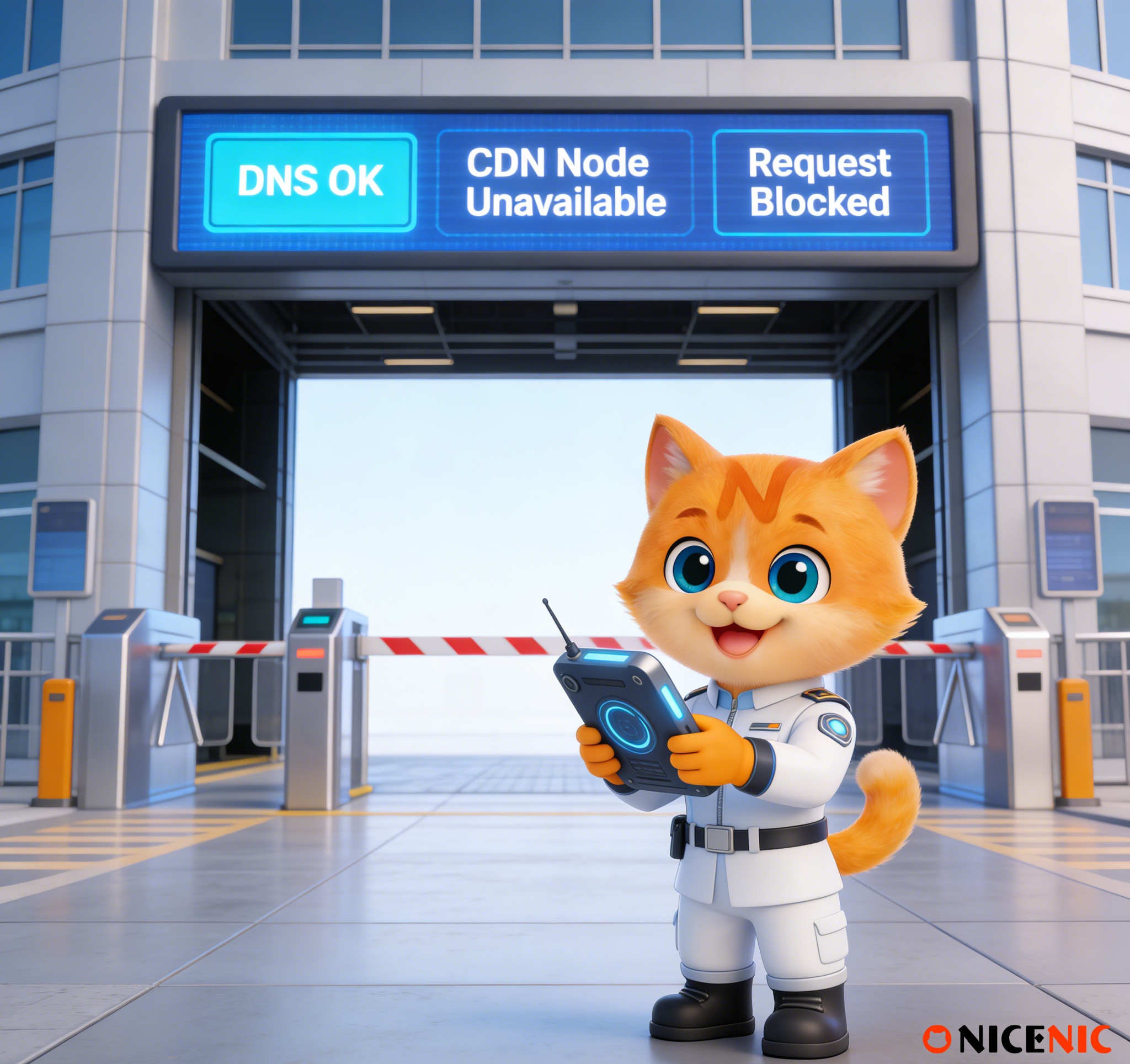
It’s a frustrating situation many users encounter:
-
DNS records look correct
-
Local checks return the expected results
-
Yet the CDN dashboard keeps reporting configuration or validation errors
At this point, users often assume something is broken and start changing DNS records repeatedly. In reality, most CDN failures happen even when DNS is
technically correct.
The issue is usually timing, scope, or record mismatch, not a faulty setup.
Why This Problem Is More Common Than You Think
DNS and CDN systems do not validate configuration in the same way.
A DNS lookup tool typically queries one resolver from one location.
A CDN, however, validates DNS from multiple regions and networks to ensure global consistency before activating services.
This difference explains why DNS may "look fine" locally while the CDN still fails.
How CDNs Actually Validate DNS
When you connect a domain to a CDN, the CDN usually checks:
-
DNS results from multiple geographic regions
-
Responses from different recursive resolvers
-
Consistency across cached and uncached paths
If even some regions still return old or conflicting data, validation may fail even though the correct records already exist. This is a normal safety mechanism, not an error.
Common Cause 1: DNS Propagation Is Not Finished
DNS changes do not apply everywhere at once.
If:
-
TTL values have not fully expired
-
Some resolvers still cache old records
Then the CDN may see mixed results and pause validation.
This often leads to confusion when:
-
One network can access the CDN
-
Another cannot
Propagation delays are expected behavior in DNS, not a malfunction.
Common Cause 2: Record Type Does Not Match CDN Requirements
Another frequent issue is record mismatch.
Examples:
-
The CDN requires a CNAME record, but an A record was added
-
The record exists, but not in the format the CDN expects
DNS itself allows many valid configurations, but CDNs validate against very specific rules. A technically valid DNS record may still fail CDN checks if it does not match those requirements exactly.
Common Cause 3: Record Added to the Wrong Hostname
Hostnames matter.
A CDN may ask you to configure:
-
www.example.com
But the record is added to:
-
example.comor a different subdomain
DNS tools may still show "a record exists," but the CDN is validating a different name. This mismatch causes repeated validation failures.
Why Repeated DNS Changes Often Make Things Worse
When validation fails, the instinct is often to "try again" by changing records repeatedly. This usually backfires.
Frequent changes:
-
Reset DNS caches
-
Create inconsistent responses across regions
-
Extend propagation time
-
Prevent the CDN from ever seeing a stable configuration
In many cases, the fastest solution is to stop making changes, wait for propagation, and then retry validation once DNS has fully stabilized.
A Safer Troubleshooting Order for CDN Issues
Before changing anything, follow this order:
-
Confirm the CDN’s exact DNS requirements (record type and value)
-
Verify the record is added to the correct domain or subdomain
-
Make the change once and only once
-
Wait at least one full TTL cycle
-
Retry CDN validation after propagation completes
This approach resolves most CDN connection issues without escalation.
Clearing Up Common Misunderstandings
-
"If DNS works locally, the CDN must work too" not always
-
"CDN errors mean DNS is broken" often incorrect
-
"Changing records repeatedly will fix it faster" usually the opposite
-
"This is a registrar issue" rarely the case
Understanding these distinctions prevents unnecessary troubleshooting loops.
Final Thoughts
When a CDN keeps failing despite correct DNS, the problem is usually not misconfiguration, but timing, scope, or validation consistency.
Understanding how CDNs validate DNS and resisting the urge to repeatedly change records is often the key to resolving the issue quickly.
As an ICANN-accredited registrar, Nicenic helps users understand the boundaries between domain registration, DNS configuration, and CDN validation, reducing unnecessary changes and avoidable downtime.
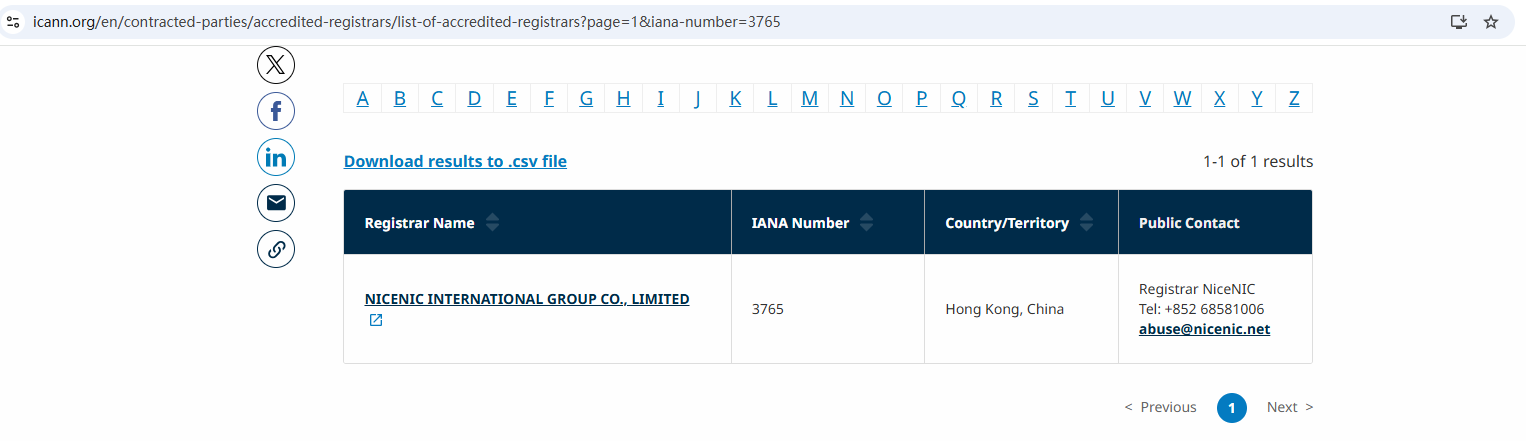
Nicenic stands as that trusted partner for brands, developers, entrepreneurs, and businesses worldwide.
Susunod na Balita: Five Overlooked Domain Management Details That Matter Most








